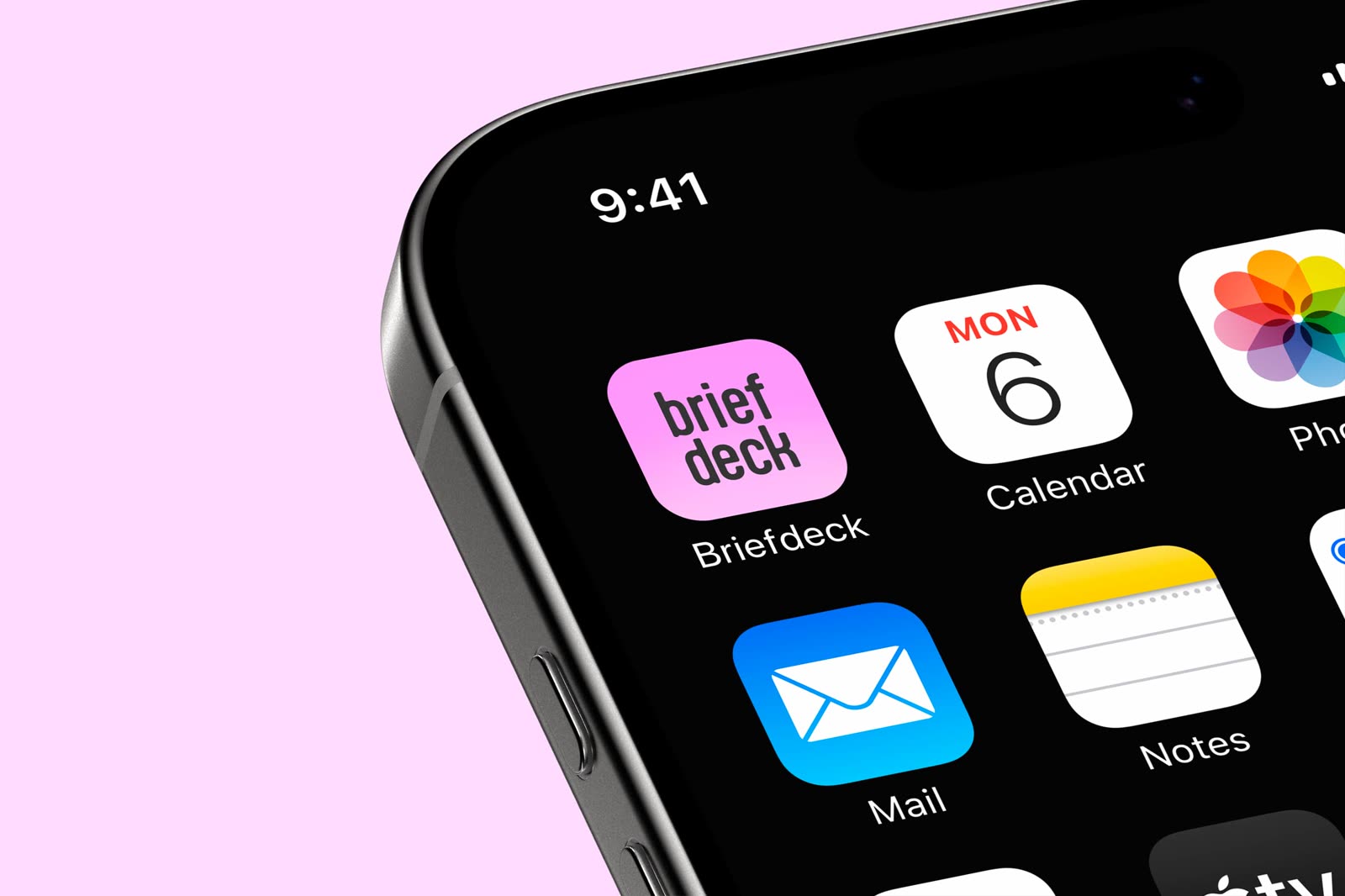
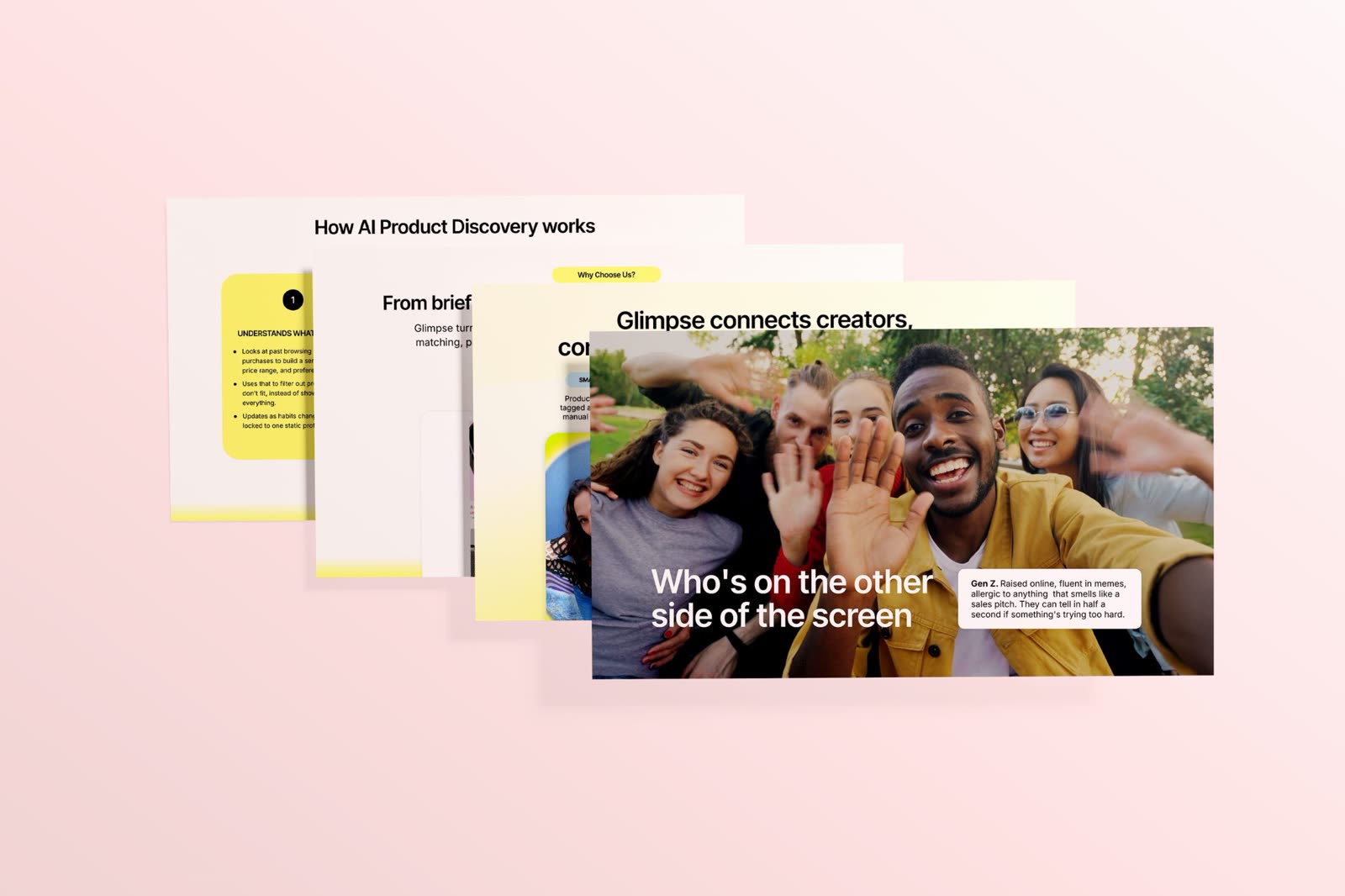
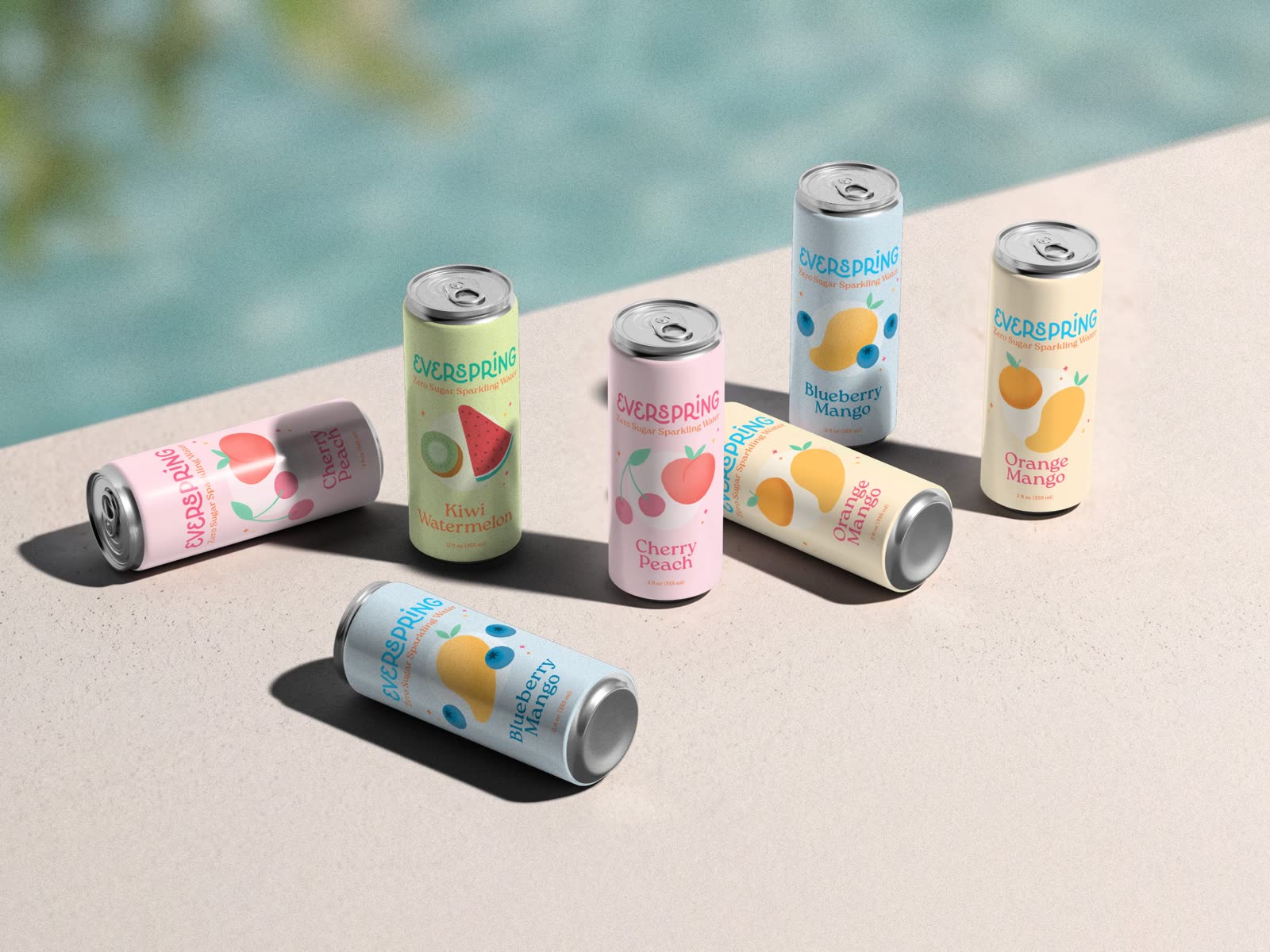
brand & marketing Everspring Sparkling Water | floating cans, packaging design designer crafting Briefdeck Mobile App | app icon, UI/UX design delightful visuals built on thoughtful B2B Marketing Presentation System | stack of presentation slides, fictional recreation strategy

Always up for a good design chat!

selected works

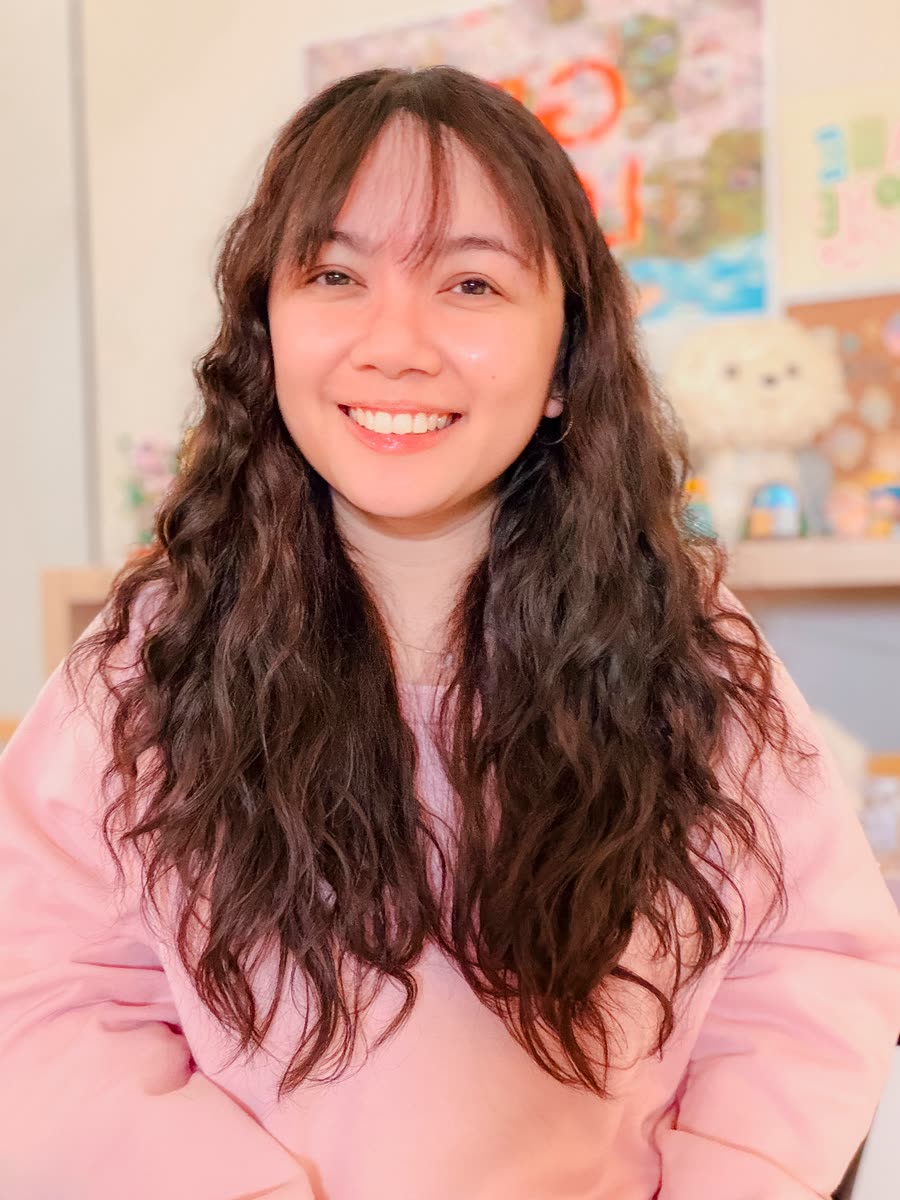
Kisty Mea | brand and marketing designer smiling at her desk
✦✦

Hey! Nice to meet you.

My name is Kisty (it sounds like Kristy, just without the R), and I'm a multidisciplinary designer based in Vancouver. Fueled by creative thinking, strategy, and a cup of vanilla ice cream, I design brands, websites, and campaigns that look good and help businesses reach their goals.

get to know me
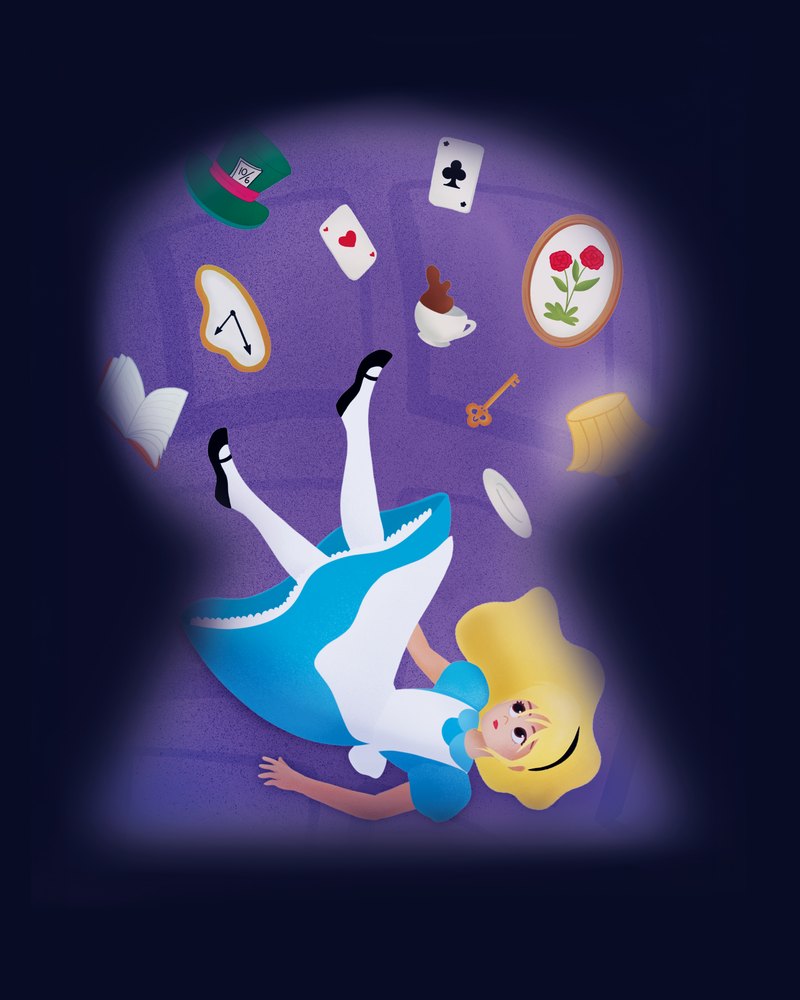
Art Corner | Alice in Wonderland digital illustration
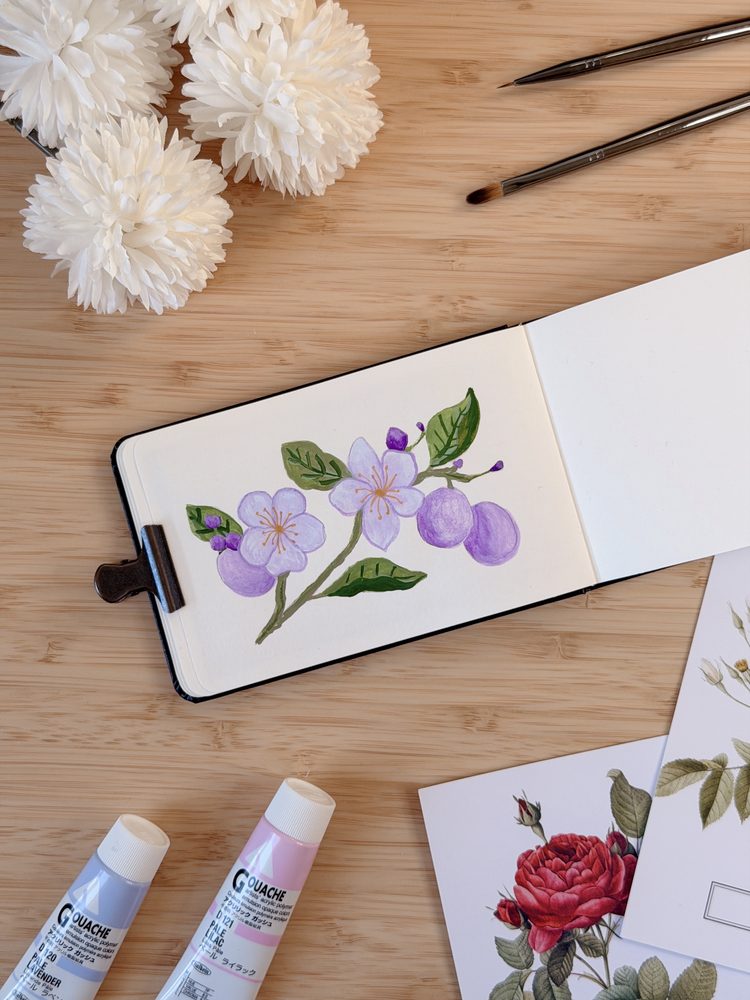
Art Corner | plum blossom gouache painting in a sketchbook
Take a peek inside!
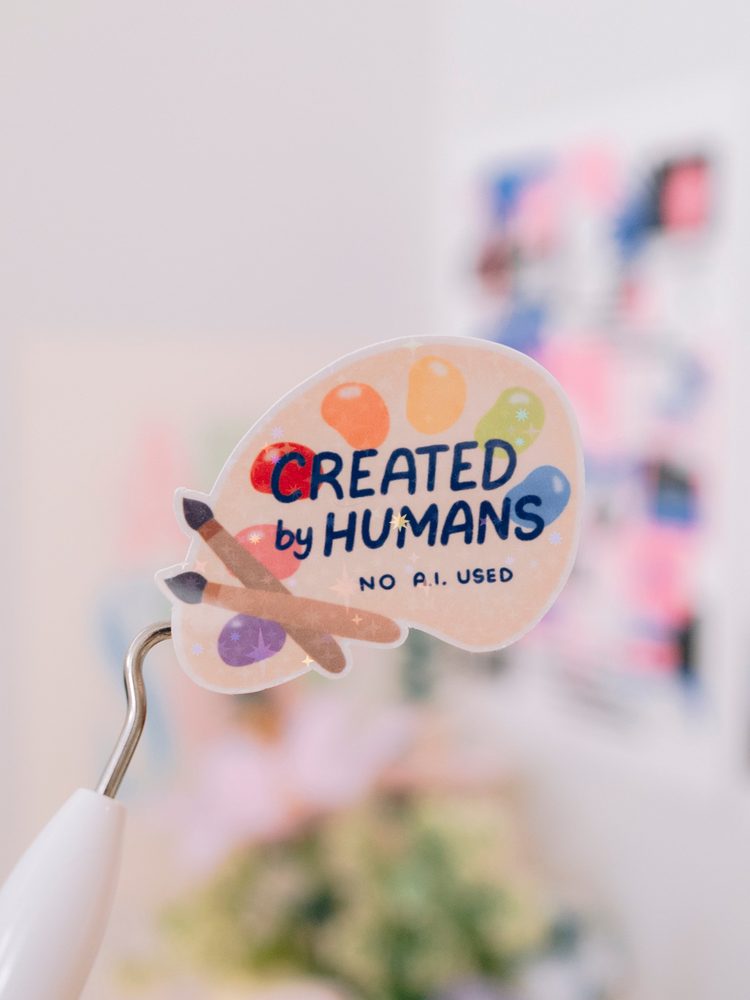
Art Corner | Created by Humans holographic sticker
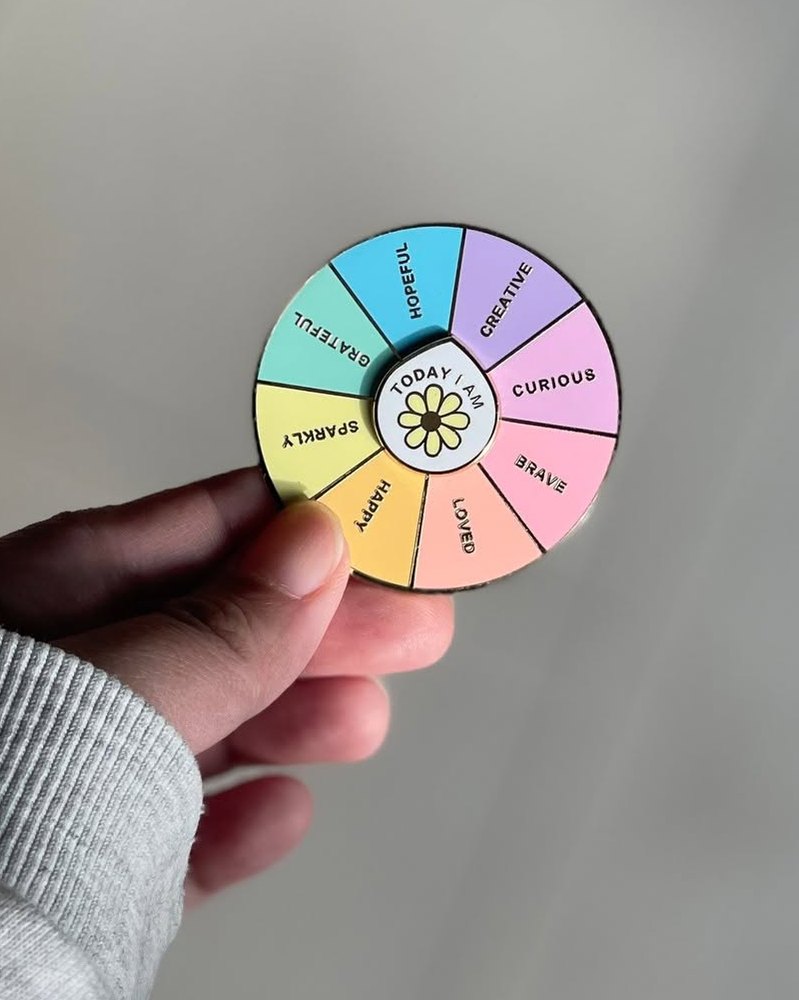
Art Corner | Today I Am spinning enamel pin
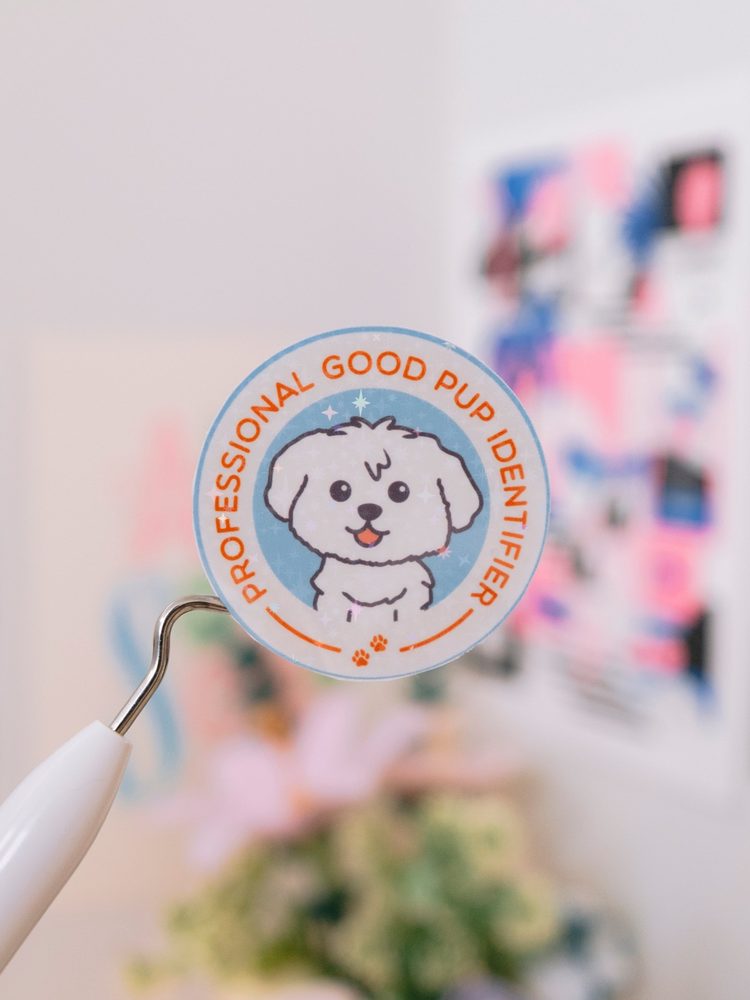
Art Corner | Professional Good Pup Identifier sticker

art corner

A little corner for the things I draw, paint, and make for fun.

see what I've been making
✦ Brand identity · Packaging

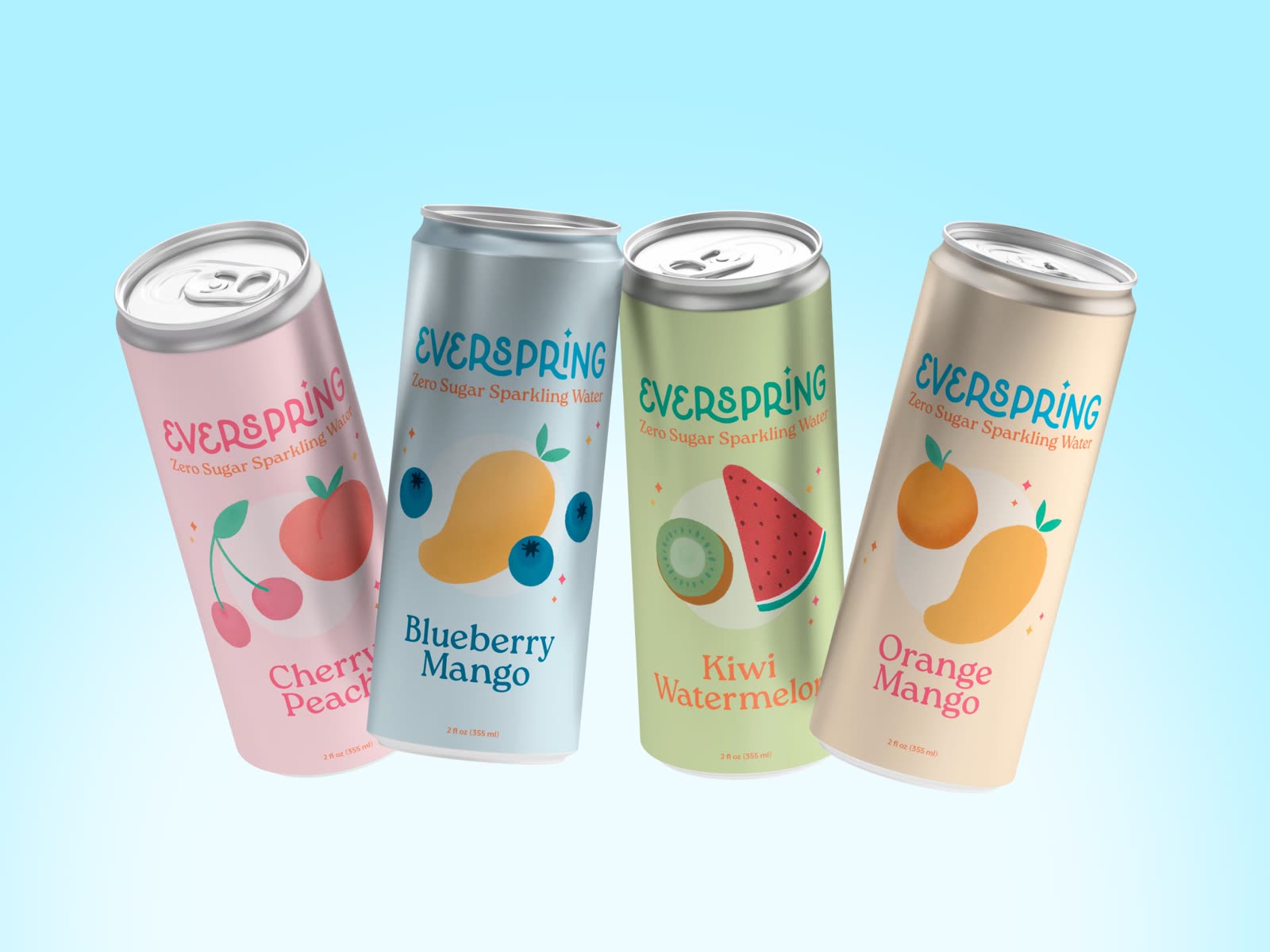
Everspring Sparkling Water

Everspring is a zero sugar sparkling water brand that celebrates health and joy through a fresh, playful identity.

Everspring Sparkling Water | six cans in all four flavours on the edge of a pool
Role

Brand strategist and designer

Project

Self-initiated concept

Product

Zero sugar sparkling water

Line

4 flavours

✦The idea

Built from the ground up on one idea: being good to yourself should still feel like a treat.

From packaging to social, everything is made to make the healthy choice the fun one.

✦Who it's for

Health-conscious Millennials and Gen Z with busy lives. They want a better-for-you drink that still tastes and looks good, and they see wellness as part of everyday life, not a strict program.

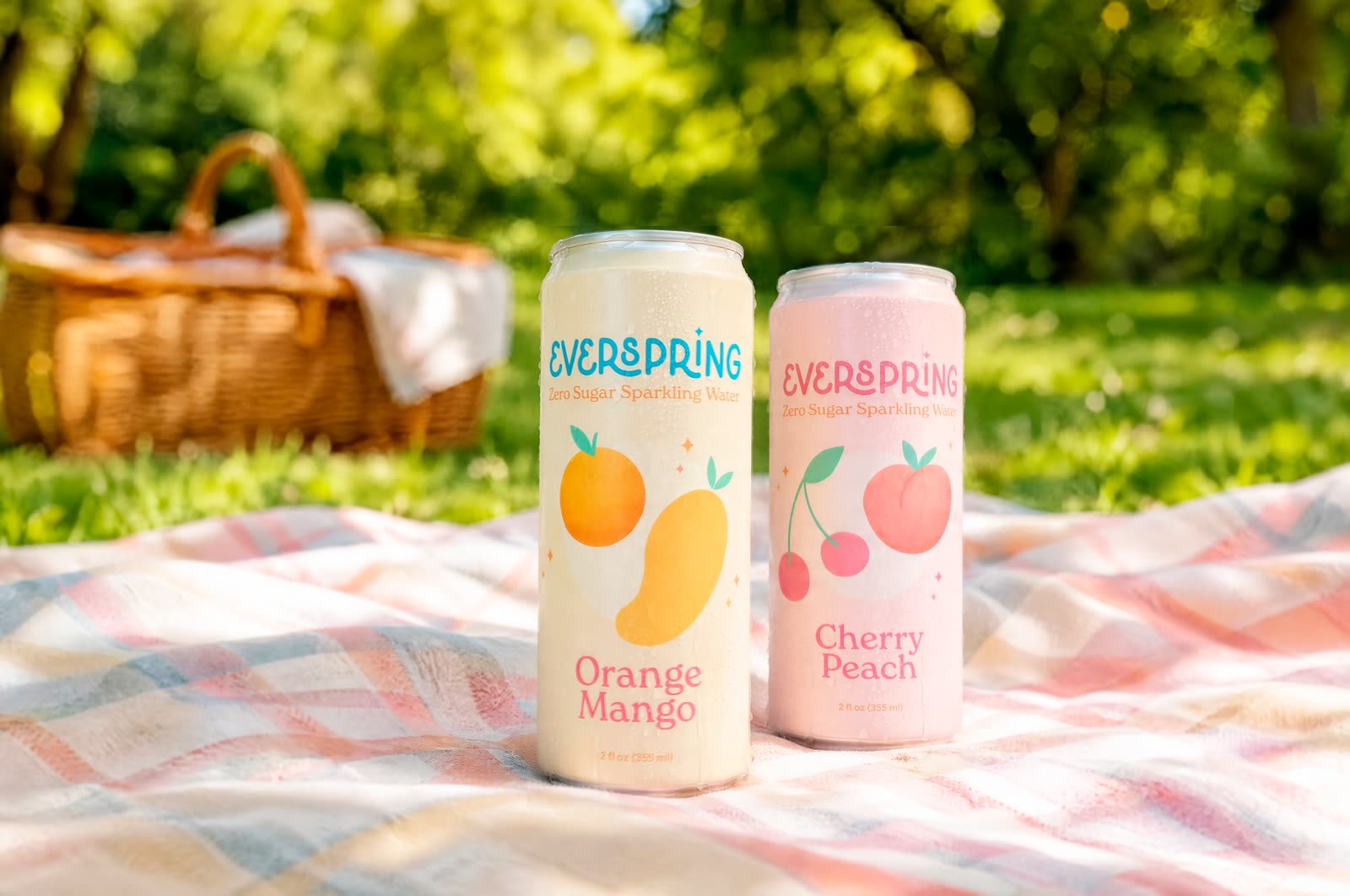
Everspring Sparkling Water | Orange Mango and Cherry Peach cans on a picnic blanket
✦What I made
1

Brand strategy

2

Brand identity

3

Illustration

4

Packaging design

5

Social media

✦The identity
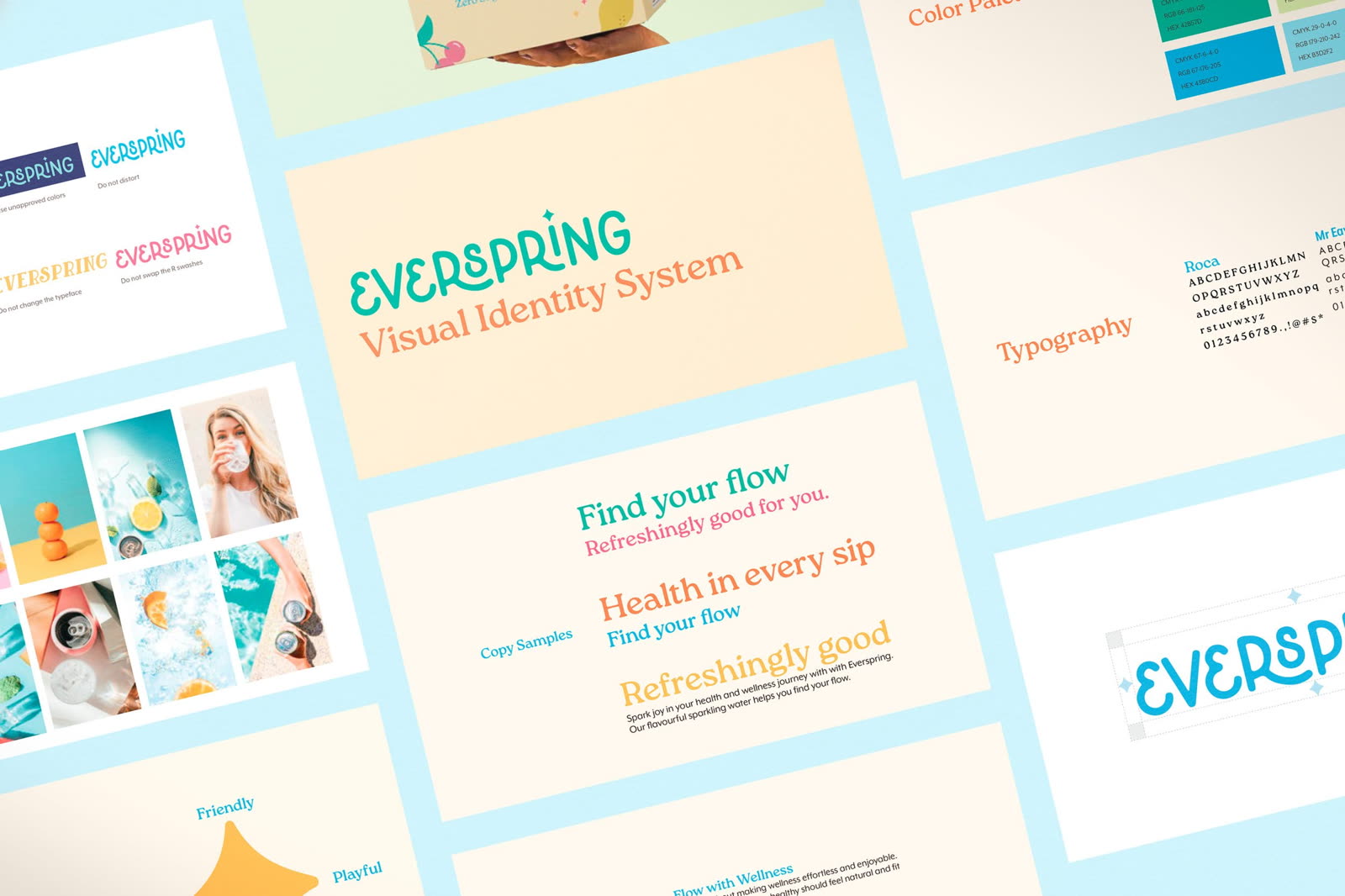
Everspring Sparkling Water | pages from the visual identity system
✦Brand values

Flow with Wellness

Health should feel effortless and fit naturally into life.

Spark Joy

Healthy choices should feel like a treat, not a task.

Stay Real

Honest about ingredients and sustainability.

✦The flavours
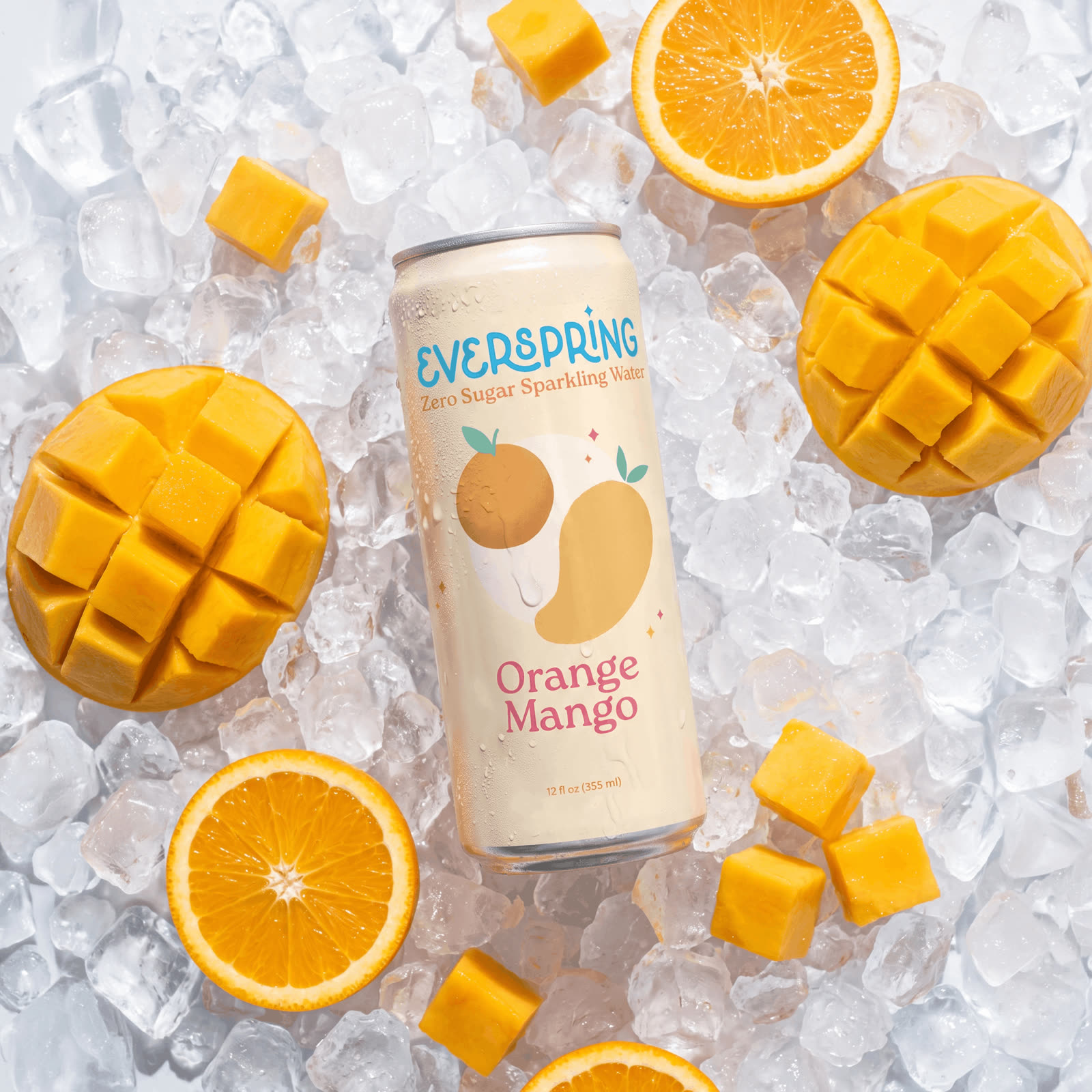
Everspring Sparkling Water | Orange Mango can on ice with oranges and mango

Orange Mango

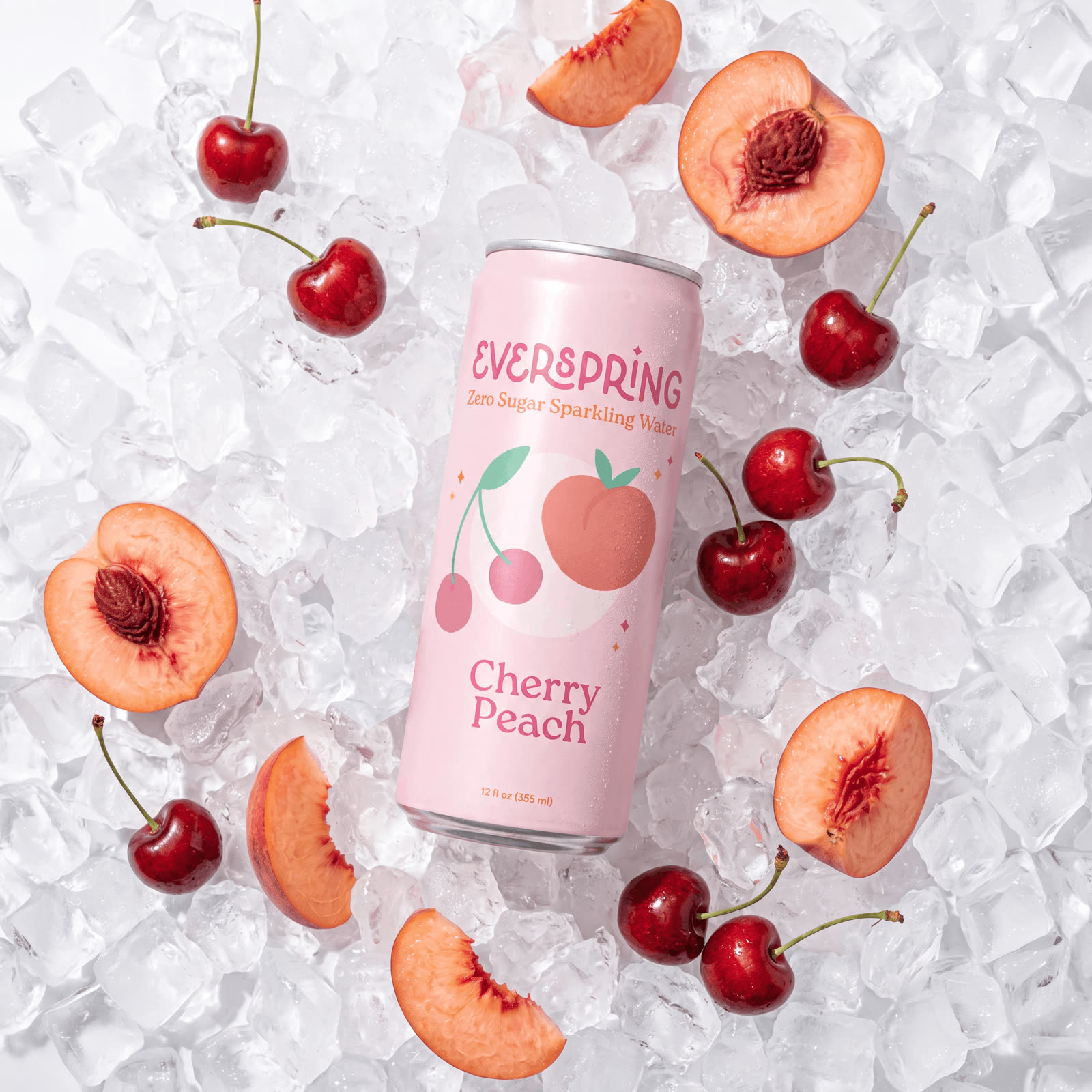
Everspring Sparkling Water | Cherry Peach can on ice with cherries and peaches

Cherry Peach

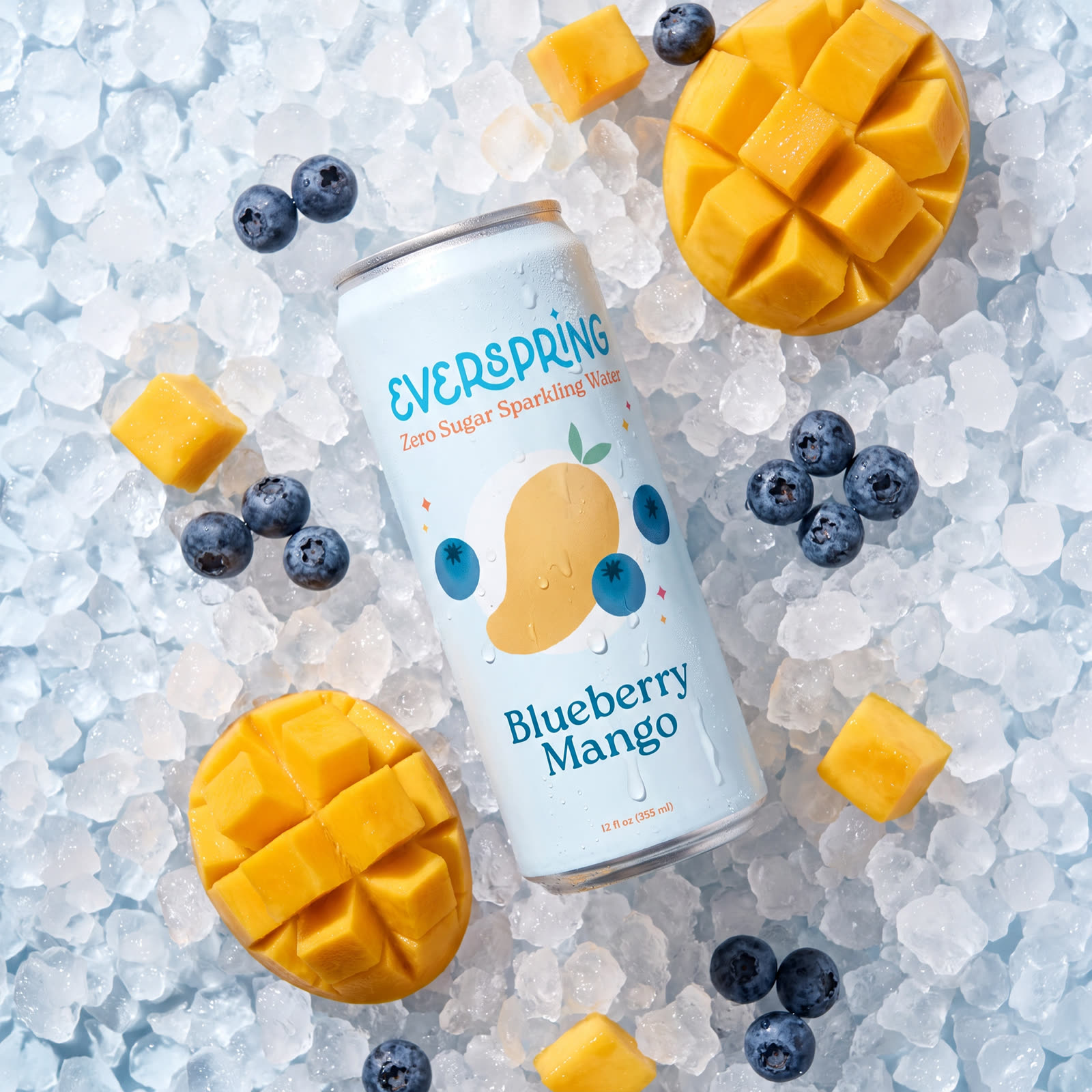
Everspring Sparkling Water | Blueberry Mango can on ice with blueberries and mango

Blueberry Mango

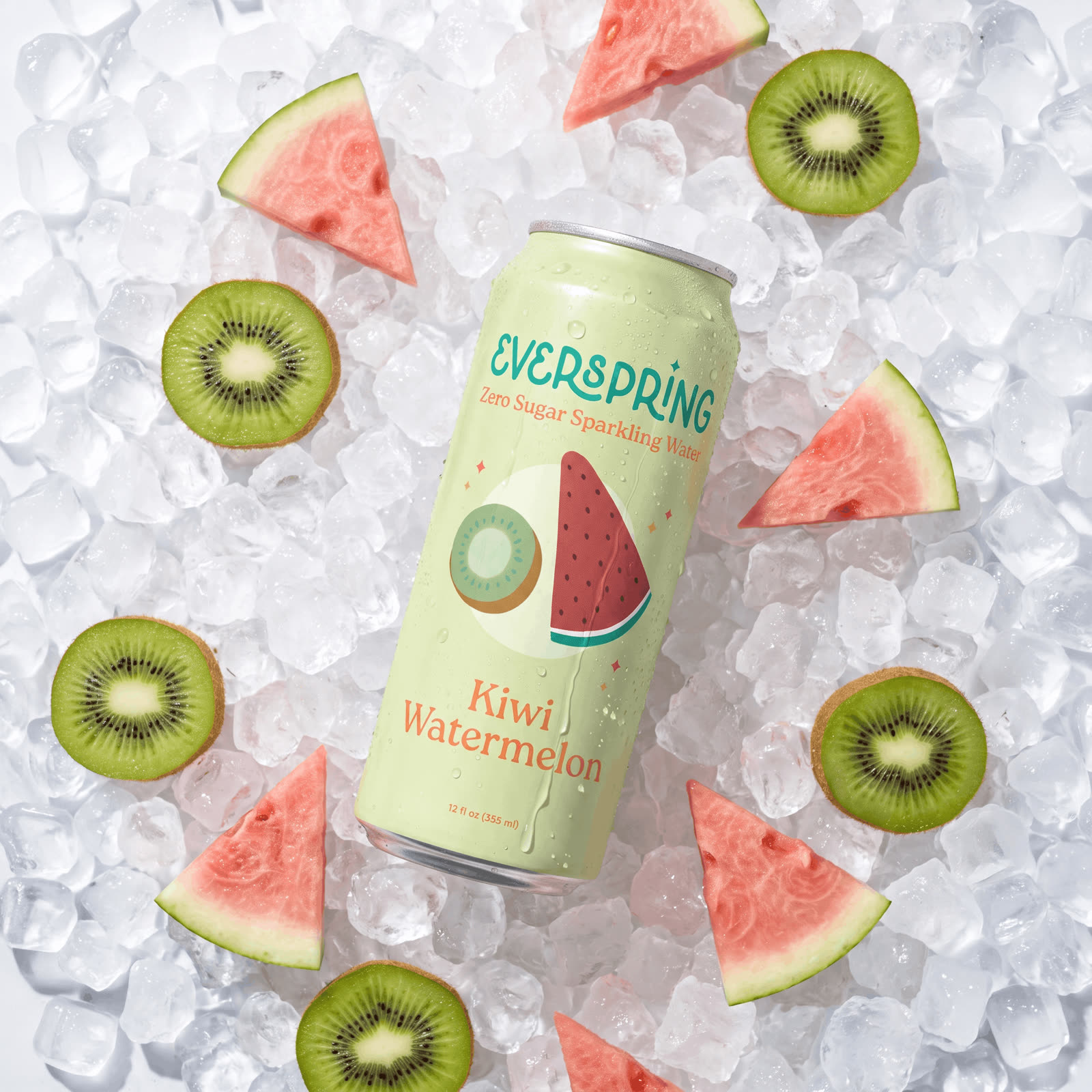
Everspring Sparkling Water | Kiwi Watermelon can on ice with kiwi and watermelon

Kiwi Watermelon

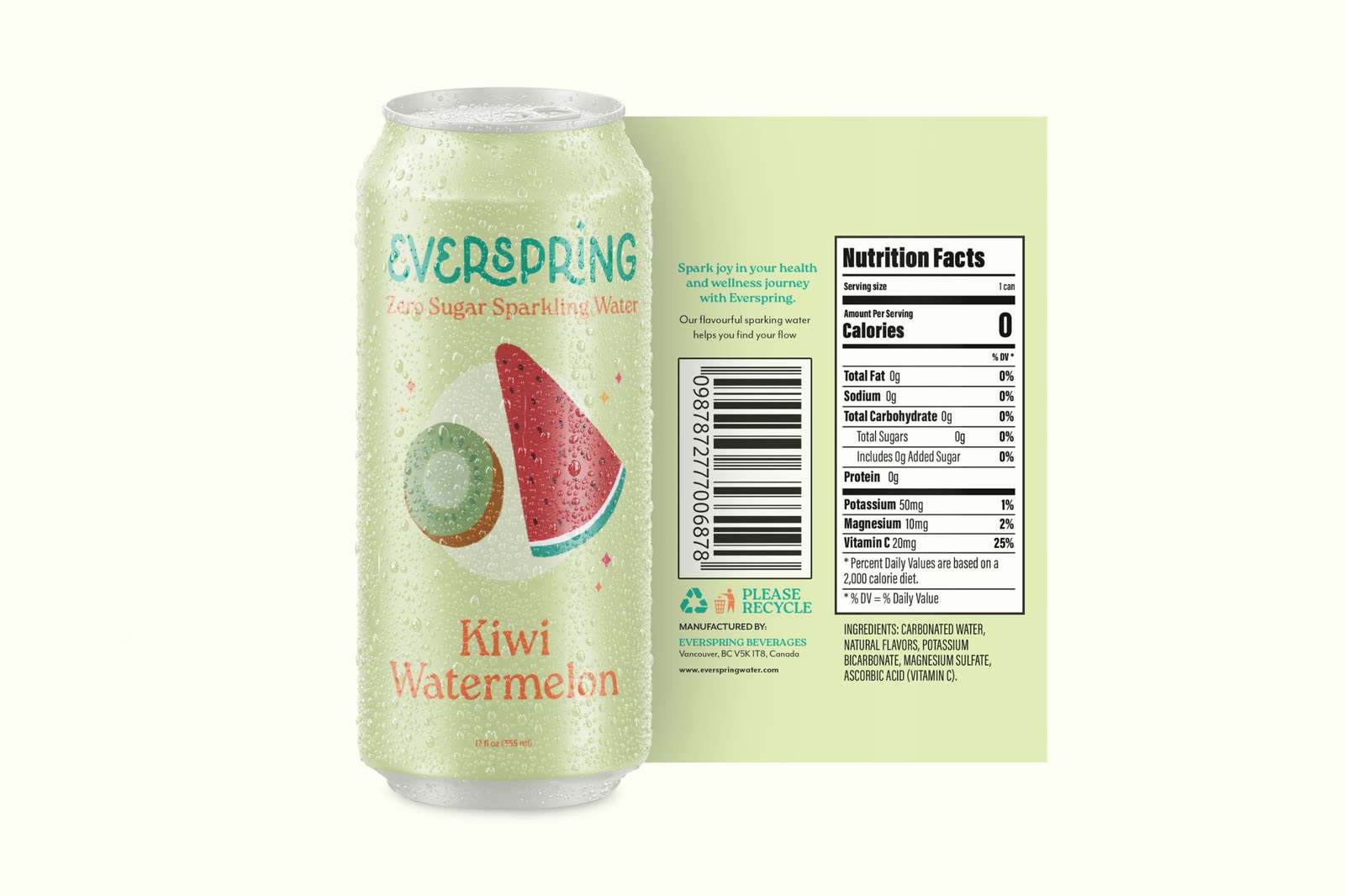
✦The label
Everspring Sparkling Water | Kiwi Watermelon can with its back label and nutrition facts

Hover to read the label up close✦

✦Out in the world
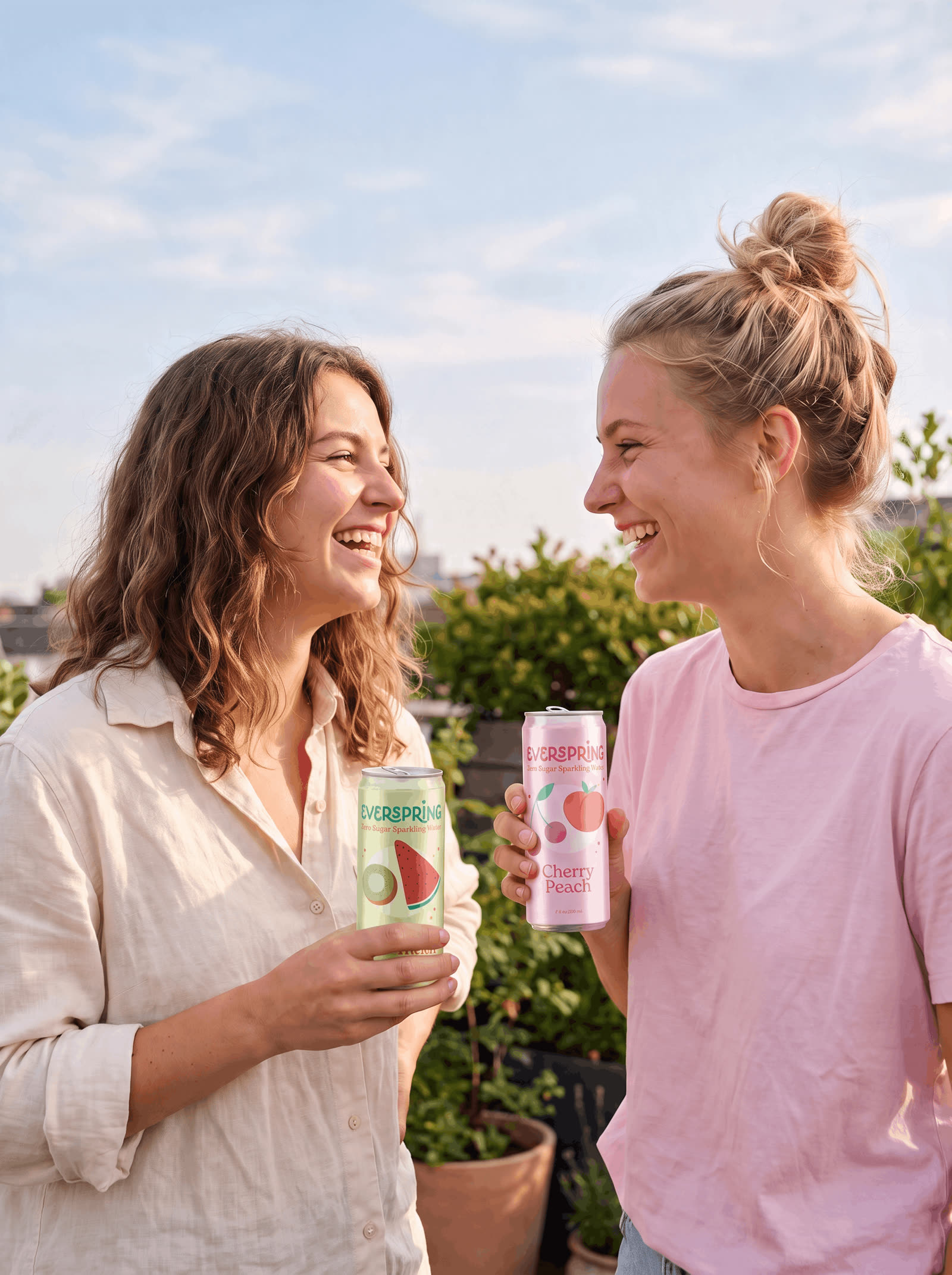
Everspring Sparkling Water | two friends laughing and holding cans on a rooftop
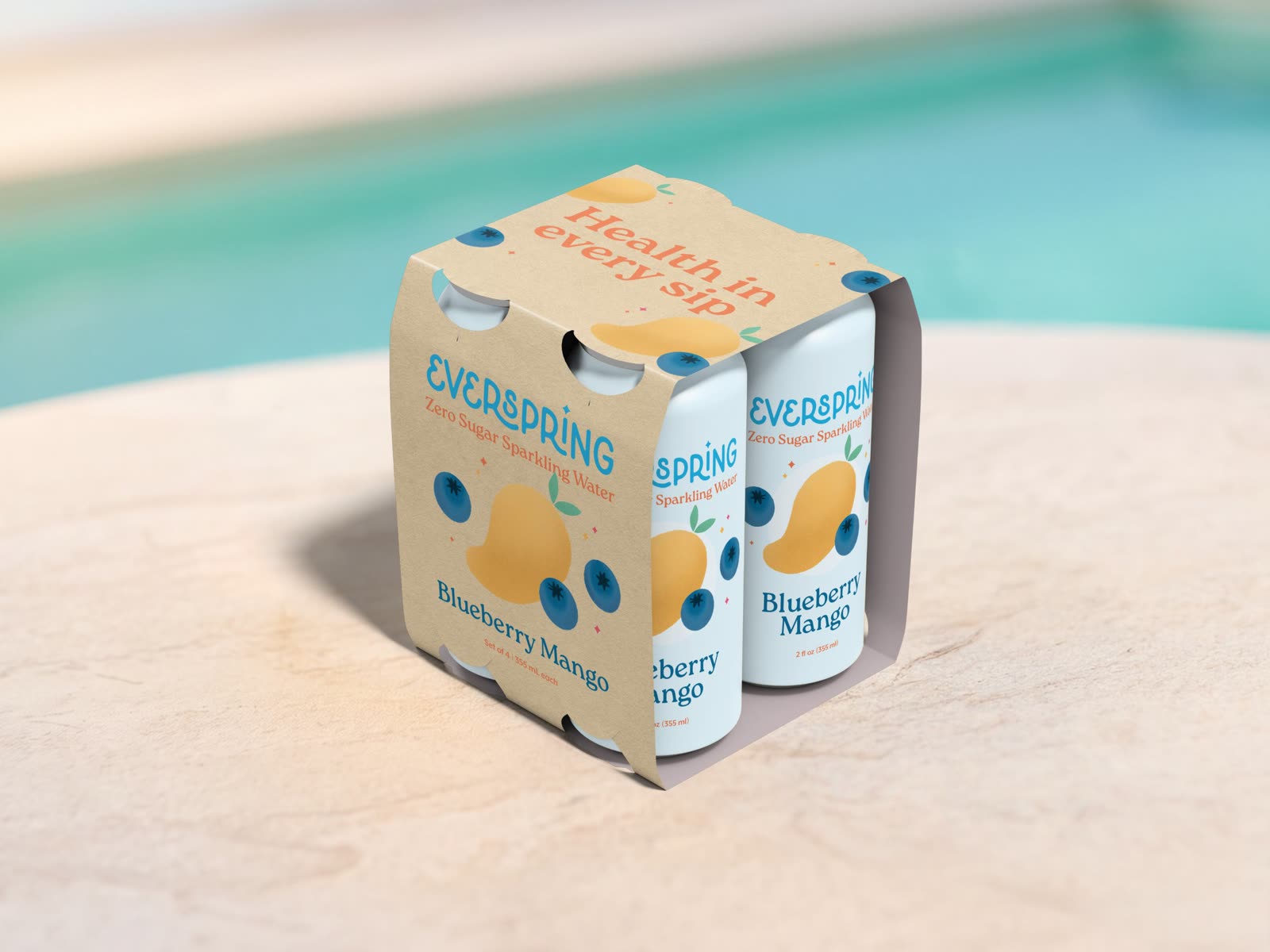
Everspring Sparkling Water | Blueberry Mango 4-pack by the pool
Everspring Sparkling Water | four cans floating on a light blue background
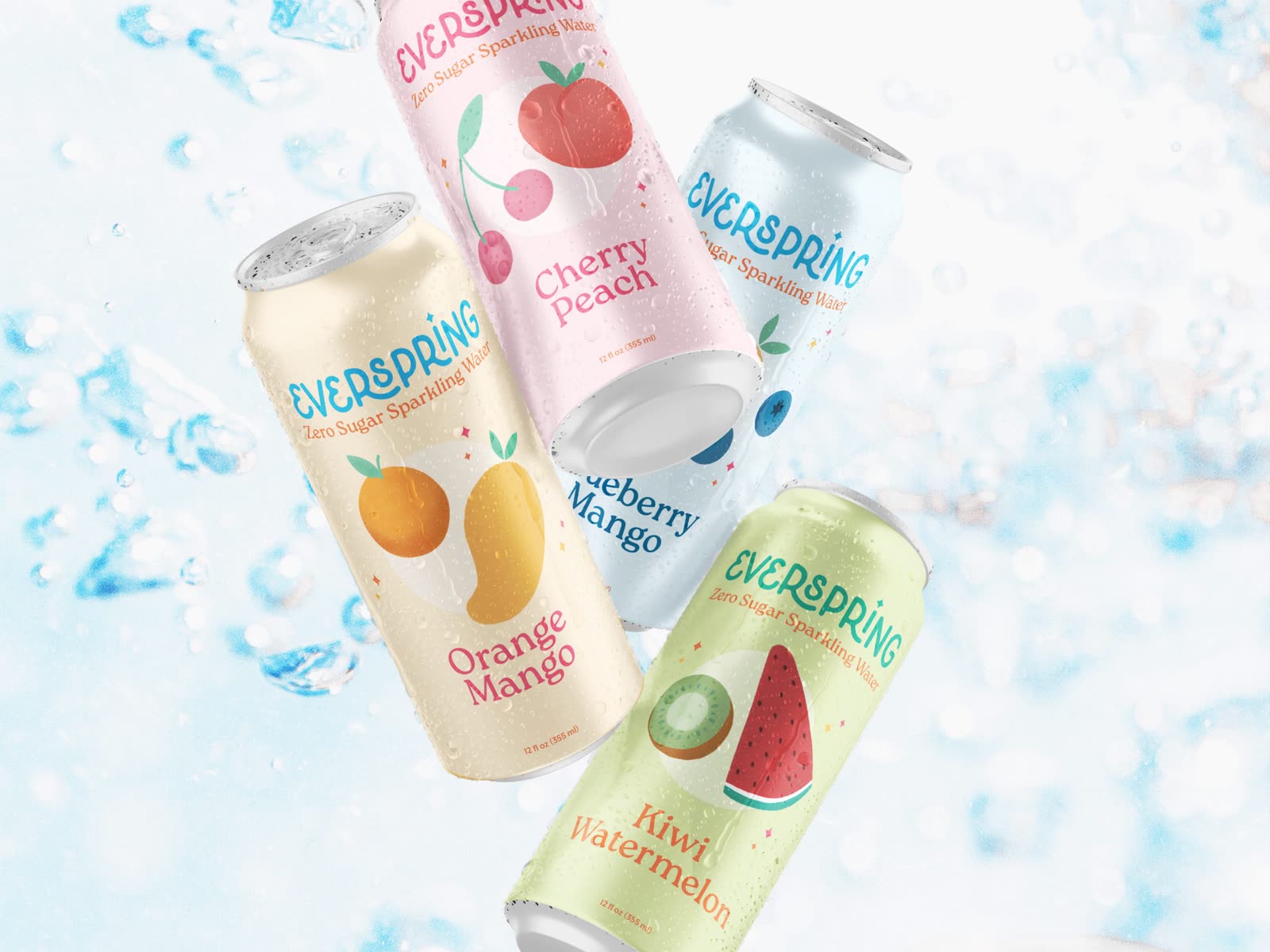
Everspring Sparkling Water | four cans floating in splashing water
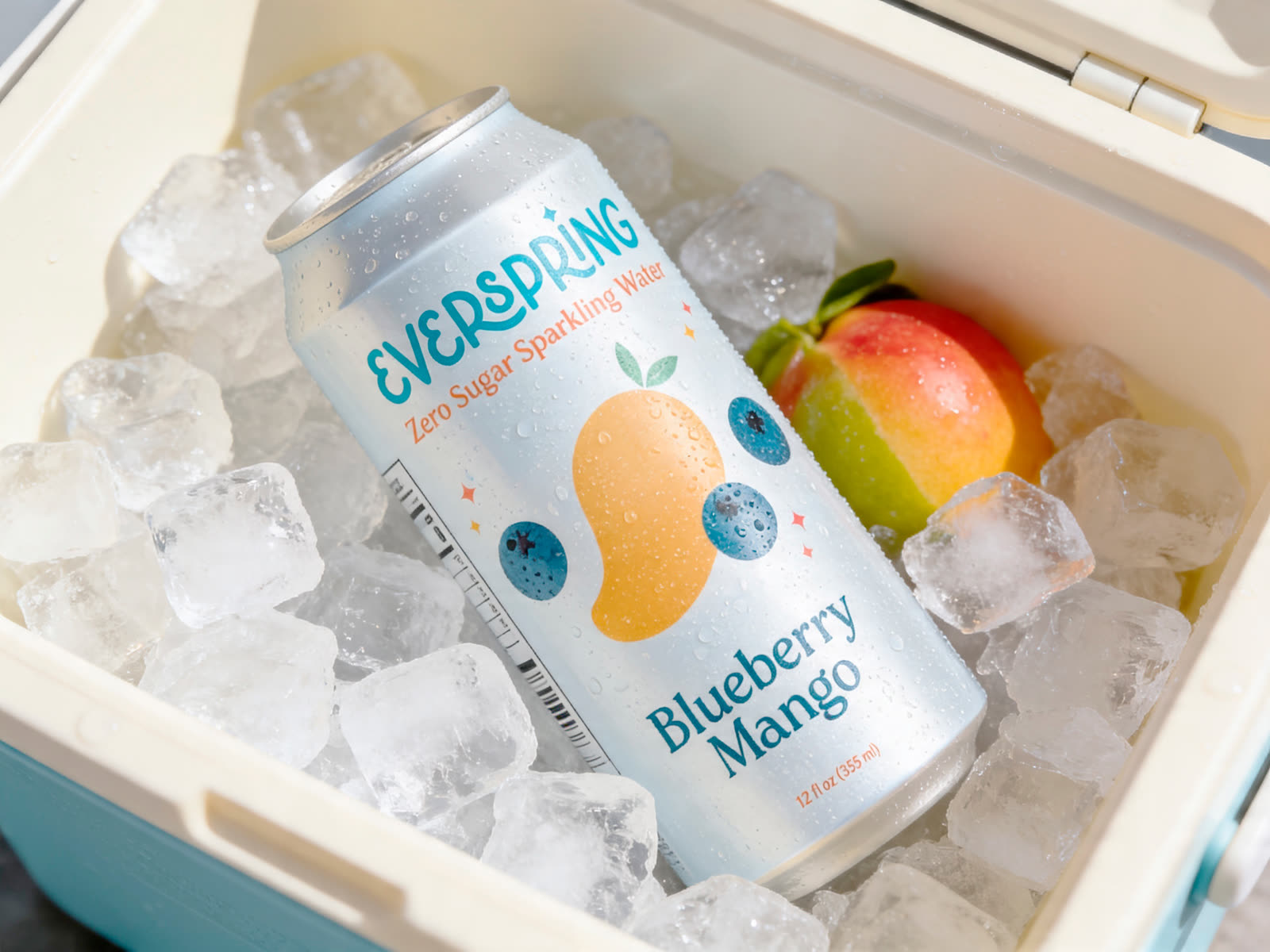
Everspring Sparkling Water | Blueberry Mango can in a cooler full of ice

Lifestyle scenes and some product shots were created with AI tools. Branding, packaging, and illustrations are my own work.

✦Explore more work
✦ Mobile · UI/UX

Briefdeck Design Brief App

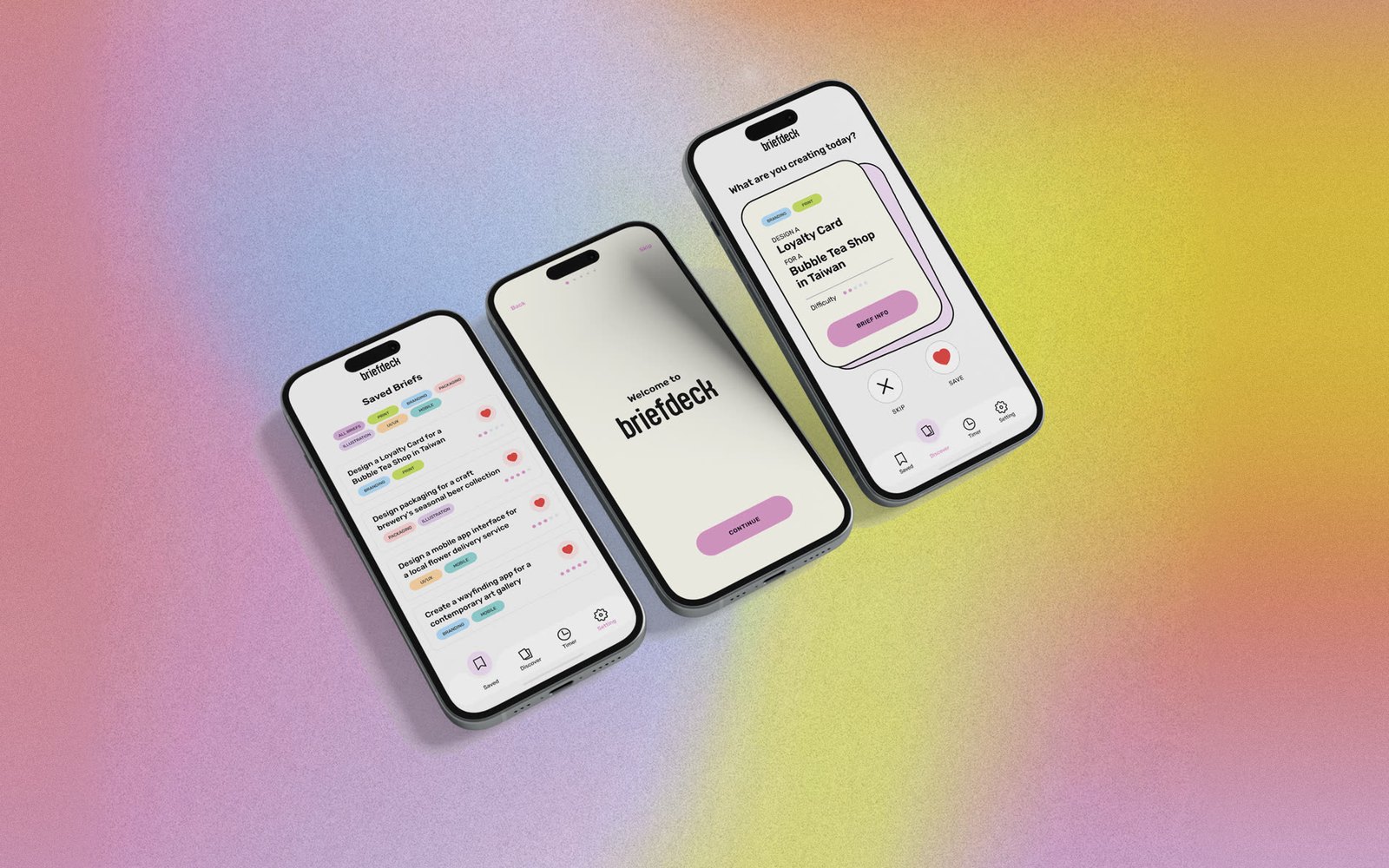
Briefdeck is a concept app that helps Gen Z design students discover and save portfolio-worthy briefs right from their phones. I took it from concept to prototype, handling the UX strategy, wireframing, and mobile interface design.

Role

UI/UX Designer

Scope

UX strategy, wireframes, mobile UI

Project

Self-initiated concept

Built with

Figma, Claude, Netlify

✦

Update, August 2026. I revisited the project and rebuilt the prototype as a clickable demo using Claude and the Figma MCP. The demo builds on the design below and adds the screens and states I didn't get to in the original prototype. Try the demo

✦Context

Most design brief generators live on desktop. That made sense ten years ago, but students today do most of their browsing, saving, and planning on their phones, and the tools haven't caught up. When inspiration hits on the bus or in a lecture, there's no easy way to grab a brief and come back to it later.

✦Goals

I created Briefdeck with the goal of getting sharper at UI/UX and Figma by building one app end to end, the way a real product team would. I'd been deep in branding work and wanted something that pulled me back into interface design.

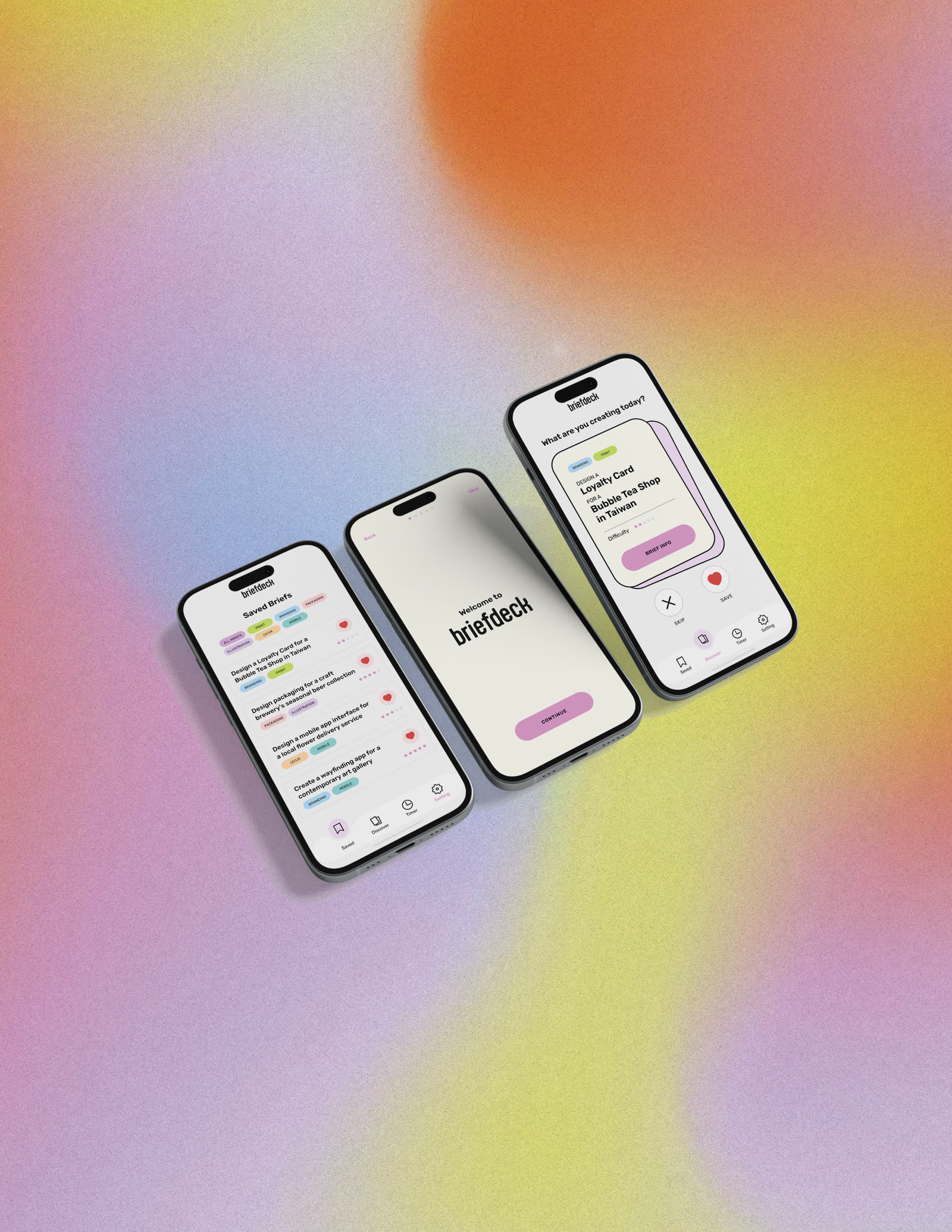
Briefdeck Mobile App | three screens: saved briefs, welcome, and a brief card
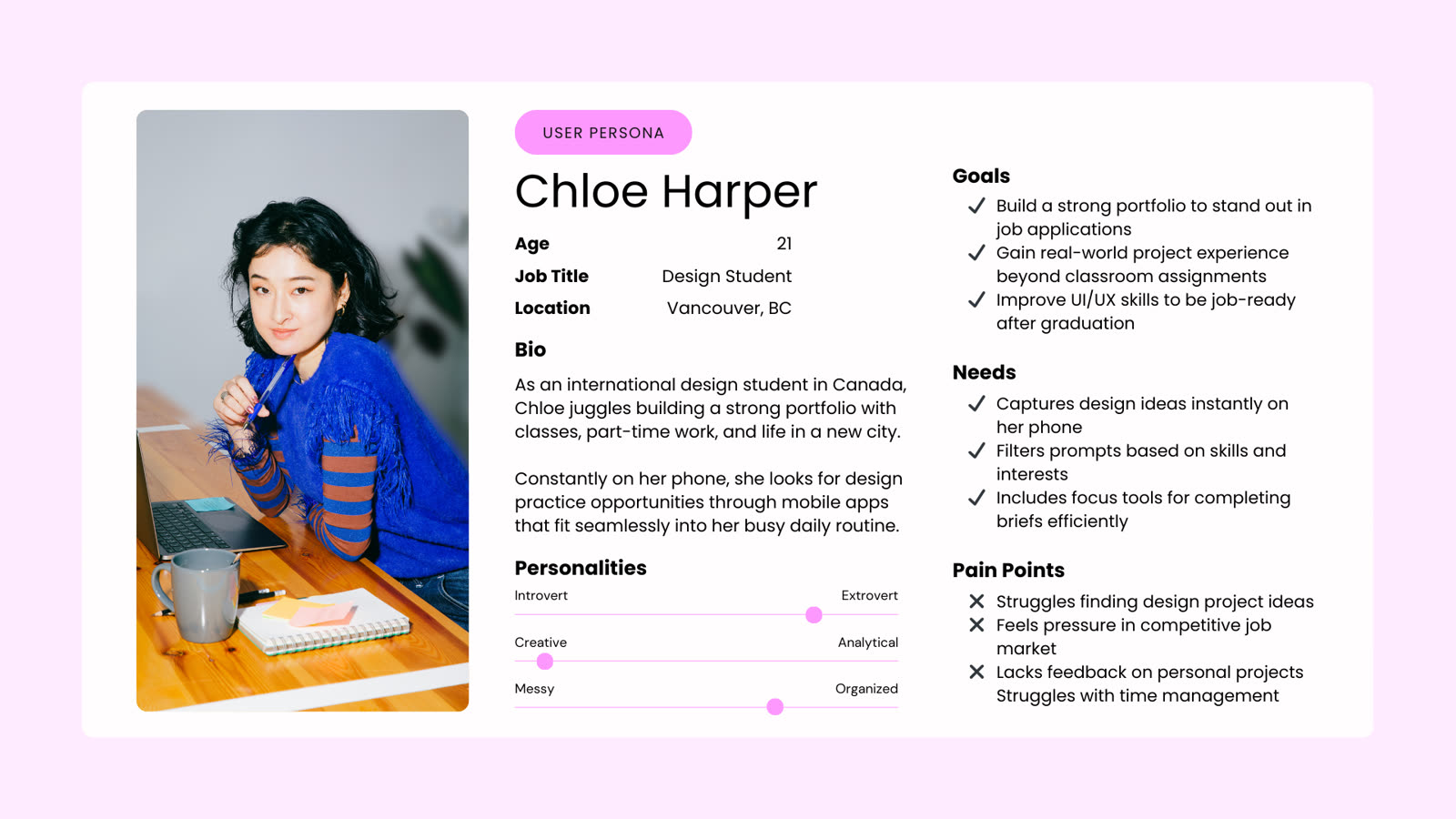
Briefdeck Mobile App | user persona: Chloe Harper, a 21-year-old design student in Vancouver

User persona

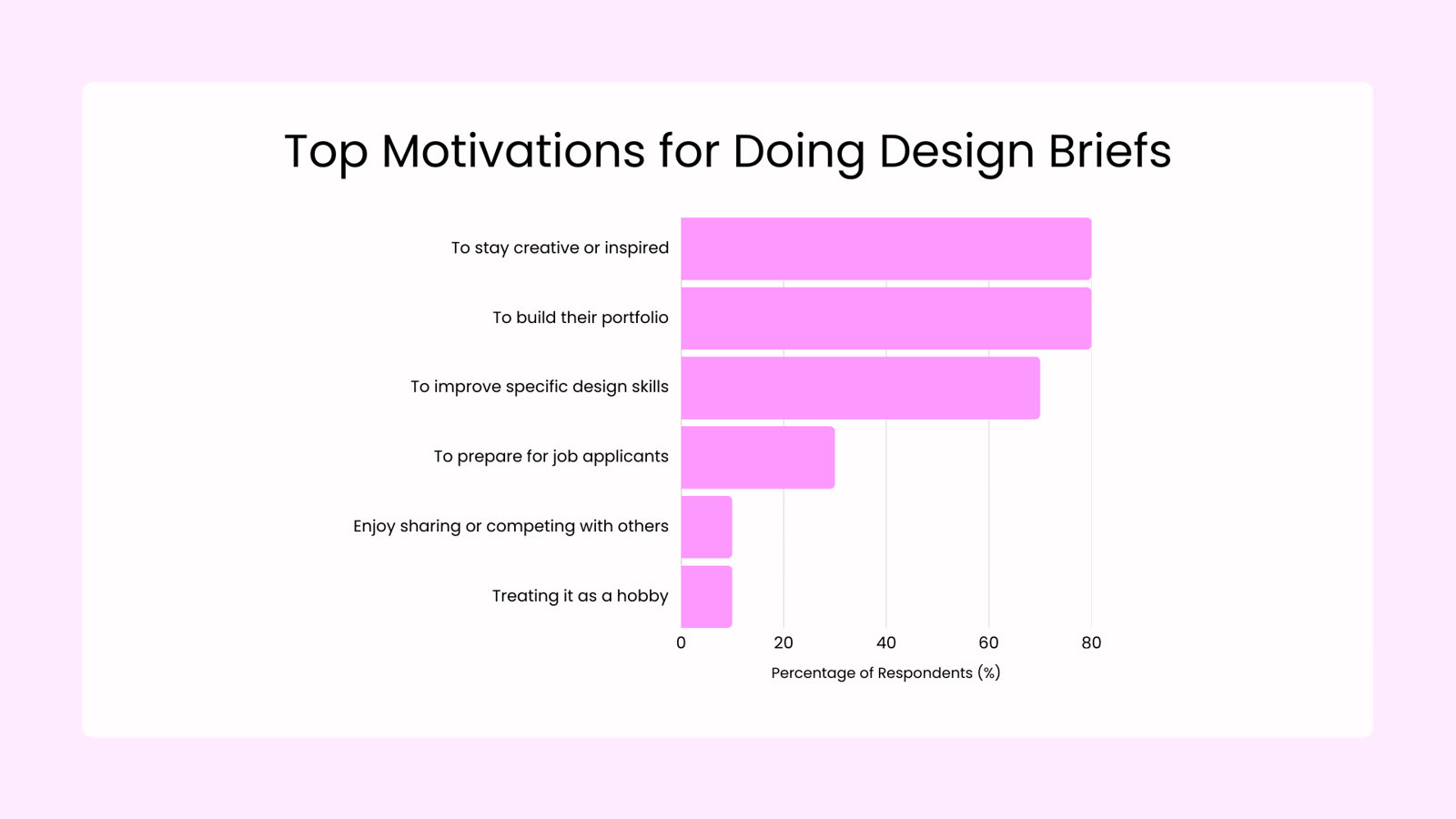
Briefdeck Mobile App | survey chart of the top motivations for doing design briefs

Survey results: why students do design briefs

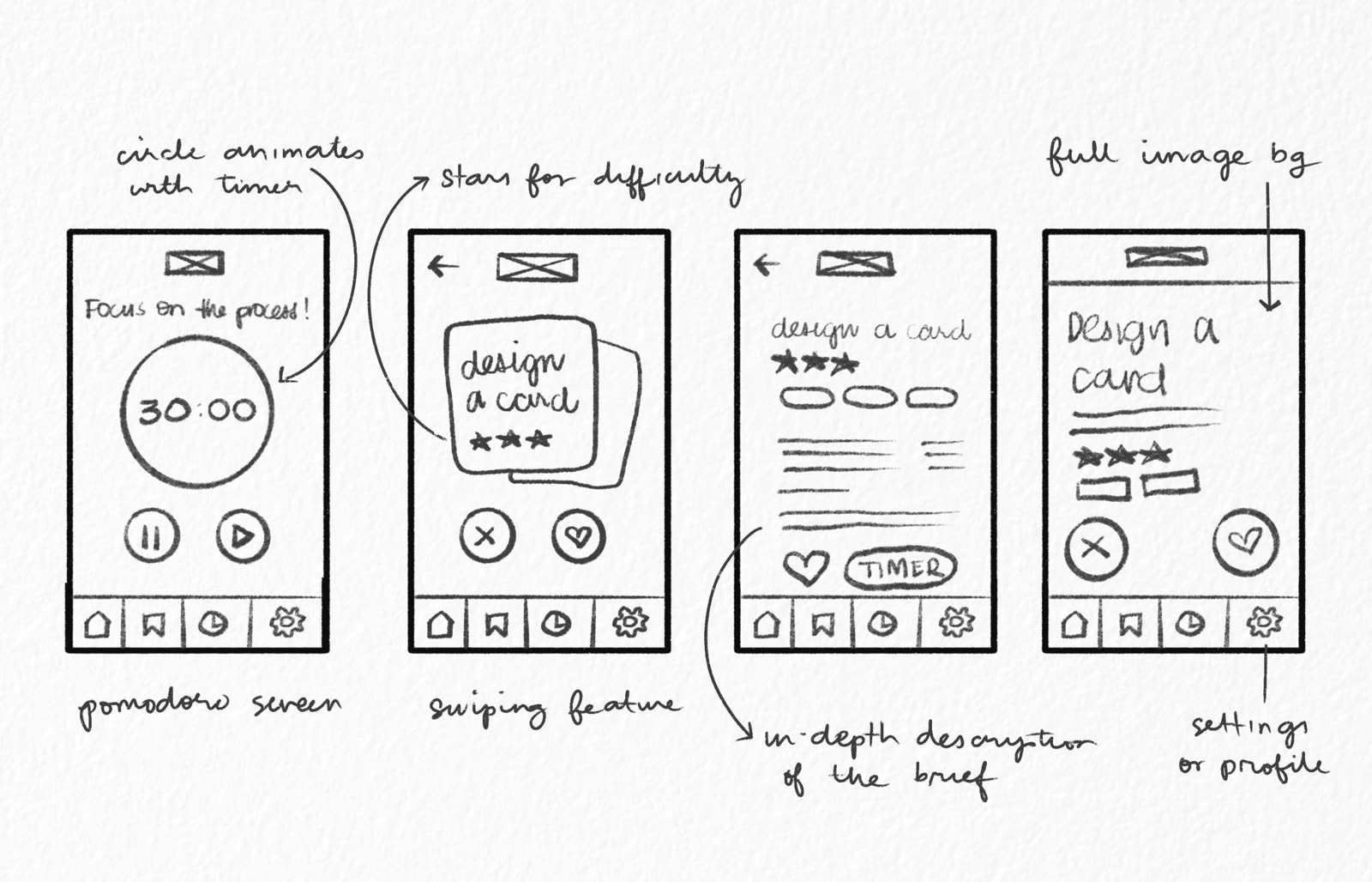
Briefdeck Mobile App | hand-drawn wireframe sketches of the timer, swiping, brief detail, and settings screens
✦Process

Even though it's a passion project, I treated it like real work. I wrote a PRD, pressure-tested it with AI tools, and ran a survey with students to check whether the problem I imagined was one they actually had.

For the interface, I thought of using swipeable cards, the way dating apps let you filter through people, except here it's ideas. I kept the design simple on purpose so most of my energy could go into learning Figma's prototyping tools.

Discovery screen

Brief details

✦Outcome

Briefdeck ended as a working prototype in Figma. As AI tools became more accessible, I revisited the project and turned it into a clickable browser demo using Claude, the Figma MCP, and Netlify. I used Claude to design the screen states I hadn't gotten to in the original prototype and to write 25 briefs for the generator.
✦Explore more work
✦ Landing page · UI/UX

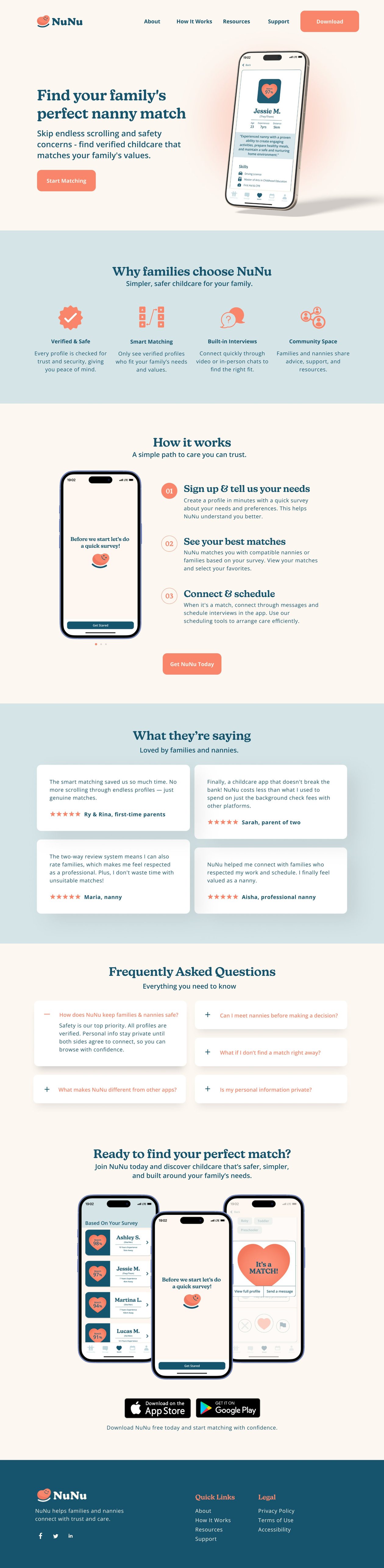
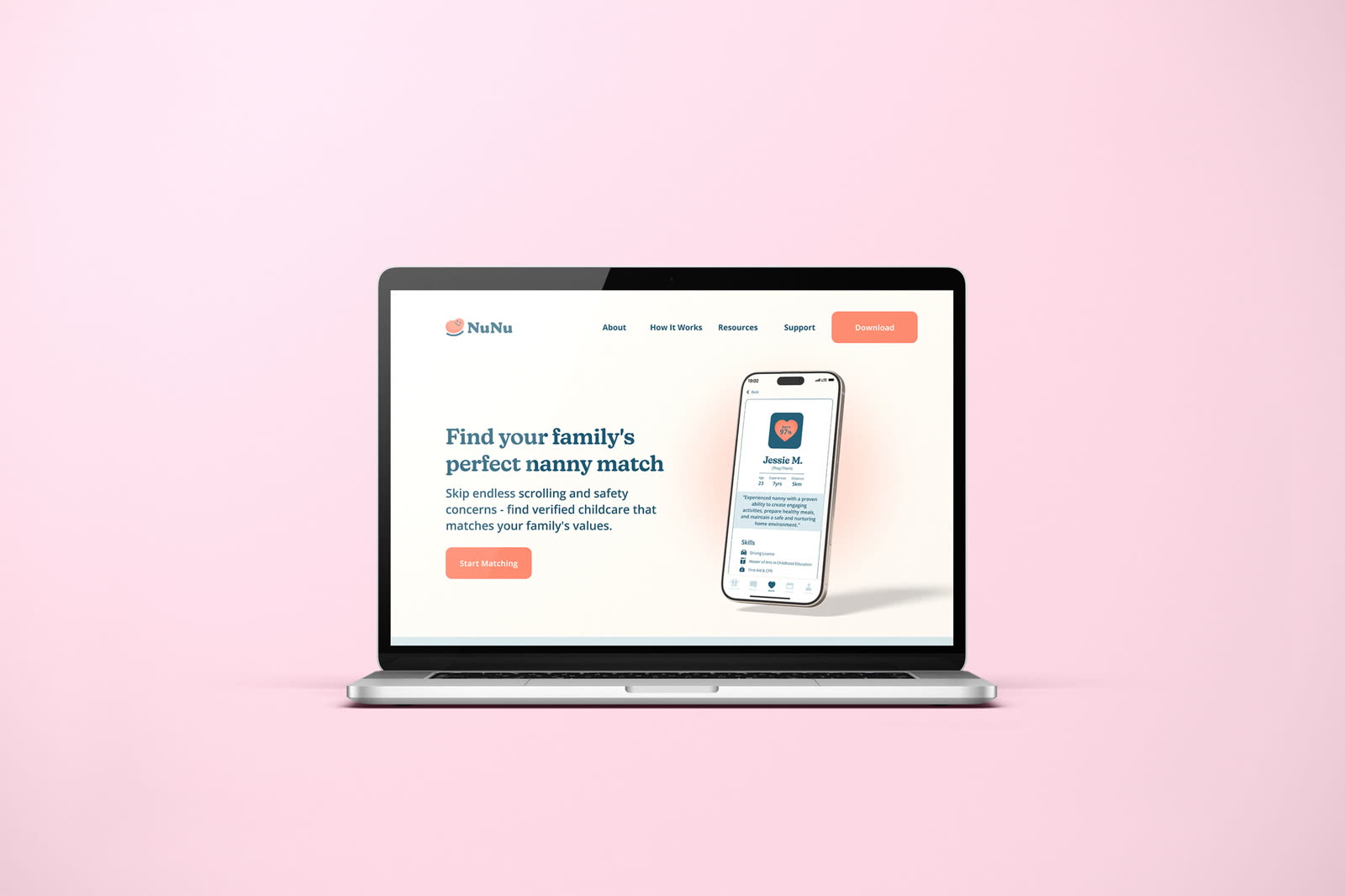
Landing page design for a nanny-matching app

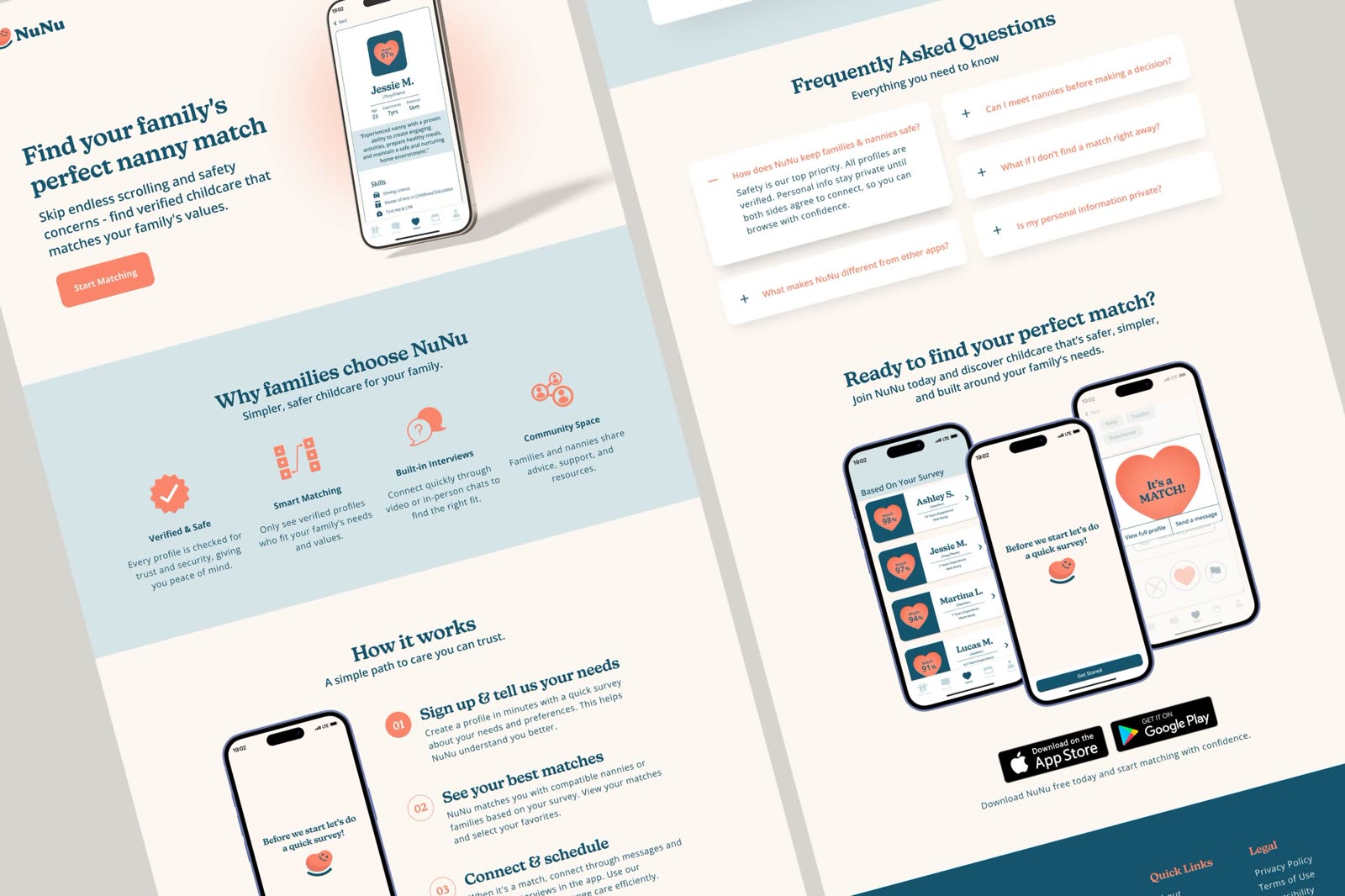
NuNu is a childcare app concept that matches families and nannies based on values and personality, not just availability. Another product team built the app and its research, then brought me in to design the landing page. Choosing childcare is a careful decision, so the page had to earn trust before it asked anyone to download.

NuNu Landing Page | final landing page shown as two angled full-page views
Role

Web designer

Scope

Landing page

Goal

App downloads

✦Context

The team handed me their research report, their Figma file, and a short list of what they did and didn't want on the page.

Their research showed that families already have plenty of options and still don't trust them. The most used platform was Facebook, where anyone can post and nothing is verified. The paid alternatives cost more but bury people under thousands of profiles with no real way to narrow them down.

✦Goals

The team wanted one thing from the page: downloads. Parents were the priority audience, though nannies use the app too and needed to see themselves on the page.

From the research, three things had to land before anyone would tap download:

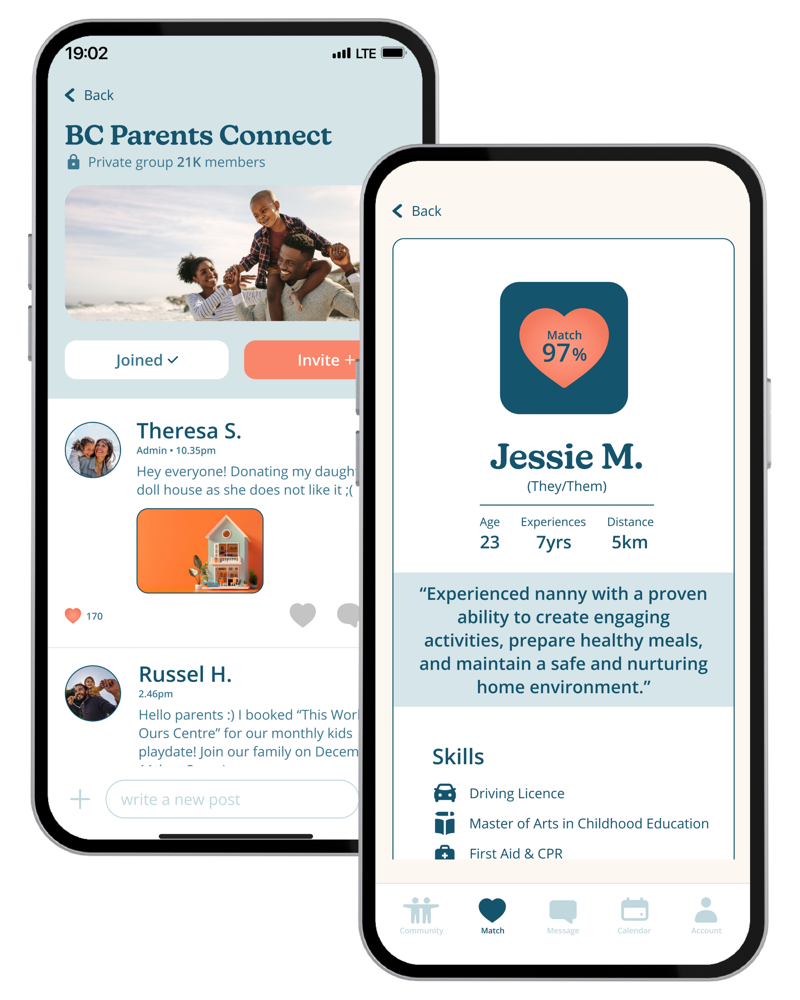
NuNu Landing Page | two sample app screens: a parents' community group and a nanny profile with a 97% match
The NuNu app and its branding were designed by the product team.
These sample screens are here to give a sense of what the app is about.

Safety came first.

Families said verification and background checks were their top concern, well ahead of anything else.

Matching had to feel easy.

People were tired of scrolling through endless profiles, only to end up with the wrong match.

Nannies had to feel respected.

Existing platforms only let families leave reviews, so nannies had no way to flag a bad experience.

✦Process

I started with a wireframe to lock the section order before touching any visuals. From there, I added sections that build trust, like testimonials from both families and nannies, and accordion-style FAQs so people could find their specific concern without reading through everyone else's.

✦Outcome

The final page is a single scroll with a calm palette, friendly icons, and a clear path from first impression to download.

NuNu Landing Page | full landing page, from the hero down to the footer
1
Hero

Addresses the core pain point right away.

SafetyEasy matching
2
Why families choose NuNu

Highlights four key benefits in a clear, easy way.

SafetyEasy matching
3
How it works

Breaks down what could feel overwhelming into 3 clear, manageable steps.

Easy matching
4
What they're saying

Builds trust through different user perspectives that address common concerns.

Respect for nannies
5
FAQ

Uses an accordion layout so people can find quick answers easily.

Safety
6
Ready to find your perfect match

Drives downloads by showing the app in action and making it easy to get started.

Easy matching

Tap a number to read the note.

✦Explore more work
✦ Marketing · Email design

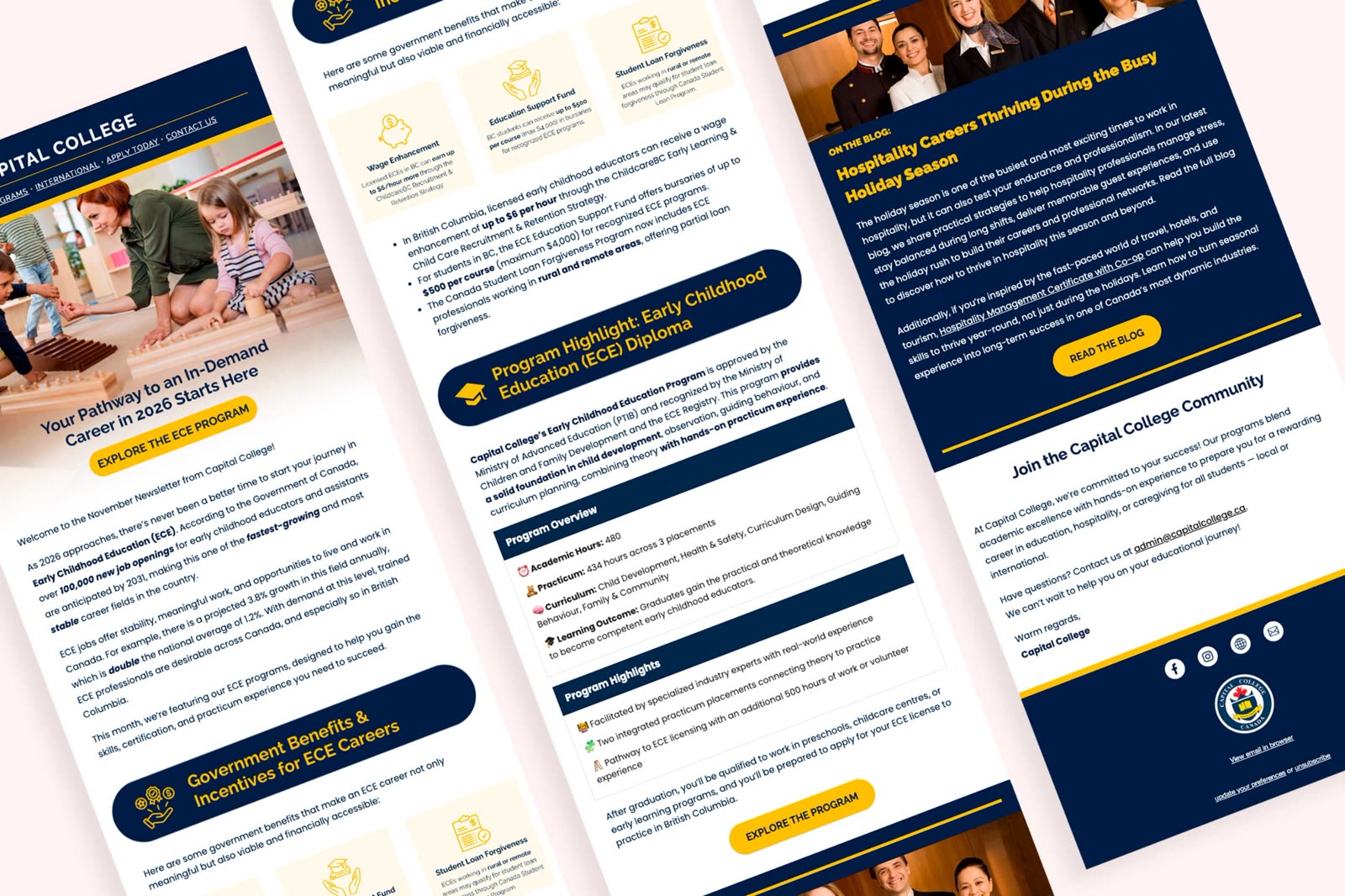
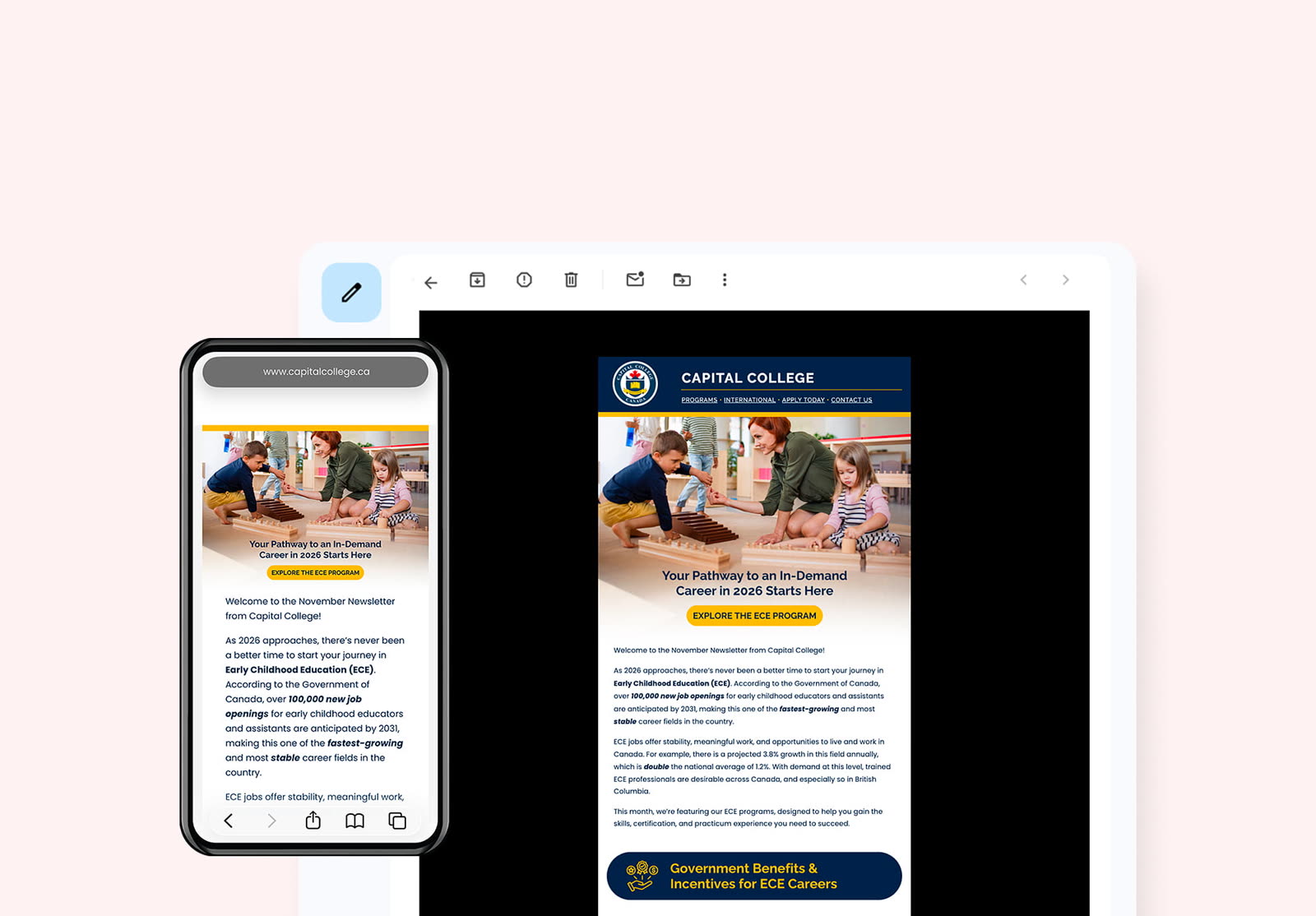
Email newsletter design for a vocational college in Richmond, BC

Designed the monthly newsletter in Mailchimp to lead with a clear call to action and give readers more ways to find the program they were looking for. After the redesign, clicks per opener roughly tripled.

Capital College Email Newsletter | newsletter open in an inbox on desktop and on a phone
Role

Email designer

Scope

Design and layout

Tool

Mailchimp

✦Context and my role

I designed the monthly newsletter for a vocational school in Richmond, BC, while working at picnic social strategies, a marketing agency in Vancouver. Each issue featured one of the school's programs, the government funding available to students, and a story from the school's blog.

The copy was provided and couldn't be changed, so my role was mainly to build the design and layout in Mailchimp. I restructured each issue to lead with one clear call to action, then gave readers more ways to find the program they were looking for further down the email.

✦Results
92.7%

Increase in click rate, quarter over quarter

2.9×

More clicks per opener, from my first issue to my second

↓24.3%

Lower unsubscribe rate, quarter over quarter

✦Inside the newsletter
Capital College Email Newsletter | close-up of newsletter sections: benefits, program highlight, and blog feature
✦Explore more work
✦ Marketing · Pitch deck

B2B Marketing Presentation System

A global tech app was refreshing its marketing decks. Over six months, I designed more than 60 of them across different industries, including travel, automotive, health, and AI.

B2B Marketing Presentation System | stack of presentation slides, fictional recreation

Visuals shown are fictional recreations. Original work is protected under NDA.

Role

Marketing designer

Scope

Decks and one-pagers, print and digital

Verticals

Travel, automotive, health, AI, and more

✦The work

Each deck needed to feel made for its audience while still clearly looking like the same brand. The work meant turning dense product information and data into slides that were clear and easy to present.

This work is confidential.

Please email me if you'd like to chat!

✦Explore more work
✦ Landing page · UI/UX

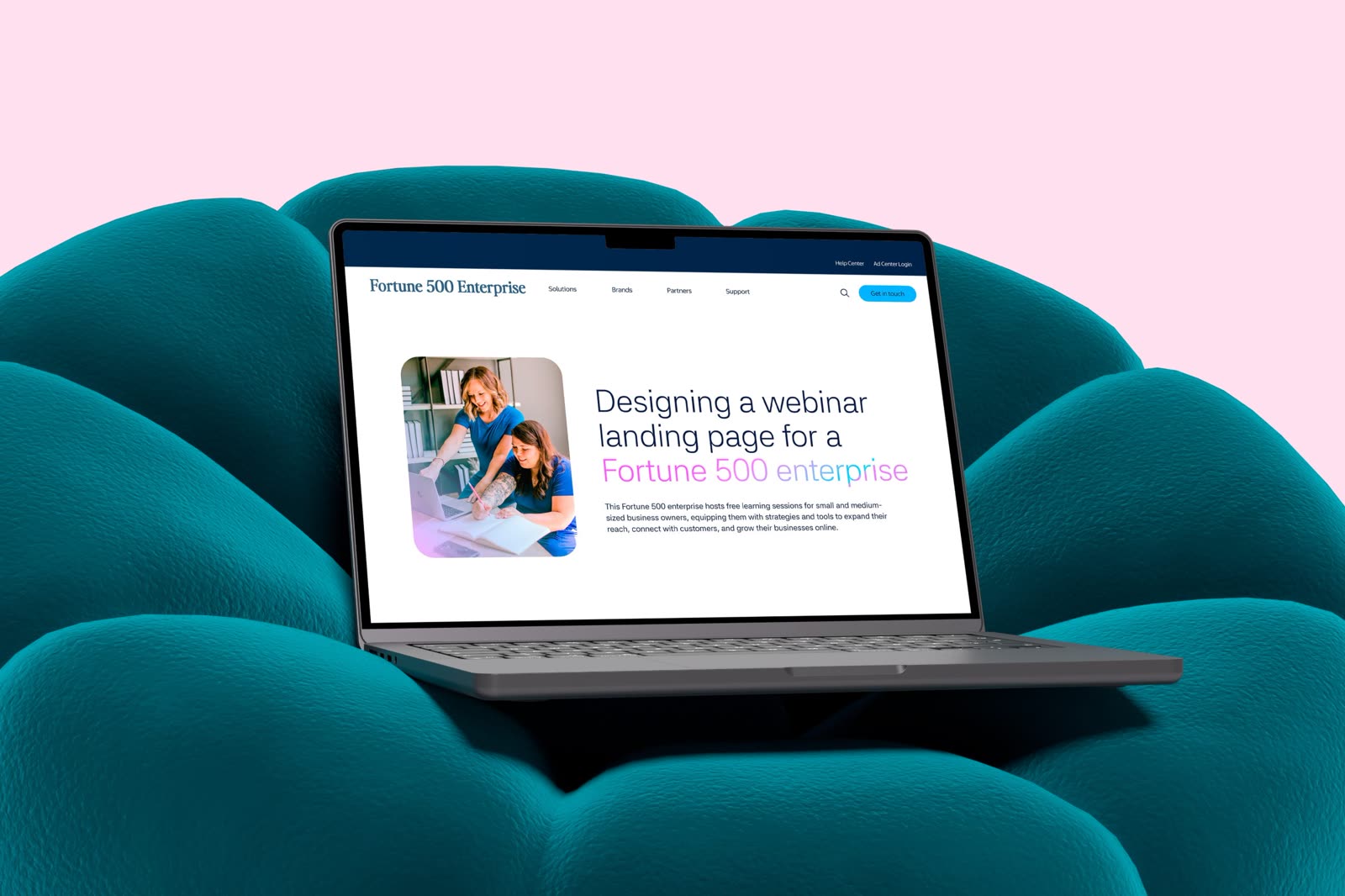
B2B Webinar Landing Page for a Fortune 500 Enterprise

A Fortune 500 enterprise wanted to attract small business owners by offering a free webinar series on how to use their platform.

B2B Webinar Landing Page | landing page on a laptop, fictional recreation

Visuals shown are fictional recreations. Original work is protected under NDA.

Role

Web designer

Scope

Web design

Audience

Small business owners

✦The brief

I designed the landing page for the series, working with the client's existing component library and a strict brand system. It shipped in two versions. The first was built from components that already existed so it could launch on time, and it went live on schedule. For the second, I proposed new components for the developers to build, and it was implemented a few months later.

This work is confidential.

Please email me if you'd like to chat!

✦Explore more work
Kisty Mea | brand and marketing designer smiling at her desk

Hello, my name is Kisty.

My journey started long before I even knew what graphic design was. As a kid, I spent afternoons sketching anime characters or customizing my blog with HTML and CSS. Blogging became my creative playground, opening doors and guiding me toward the multidisciplinary designer I have become today.

Throughout the course of my professional career, I've worn different hats in branding, social media, creative content, and digital storytelling. I enjoy thoughtful experimentation, solving problems creatively, and making designs that feel genuine and human.

Outside design, you'll usually find me traveling somewhere new, collecting cute illustrations, or happily building magic worlds through online games.

✦How I work

1Clarity

I like to ask questions first, so we're on the same page before I dive into the design.

2Thoughtfulness

I always think about your audience and your goals, and look for the spot where the two meet.

3A spark of delight

I make sure the final design is something you'll be proud to show off.

✦Say hi on video
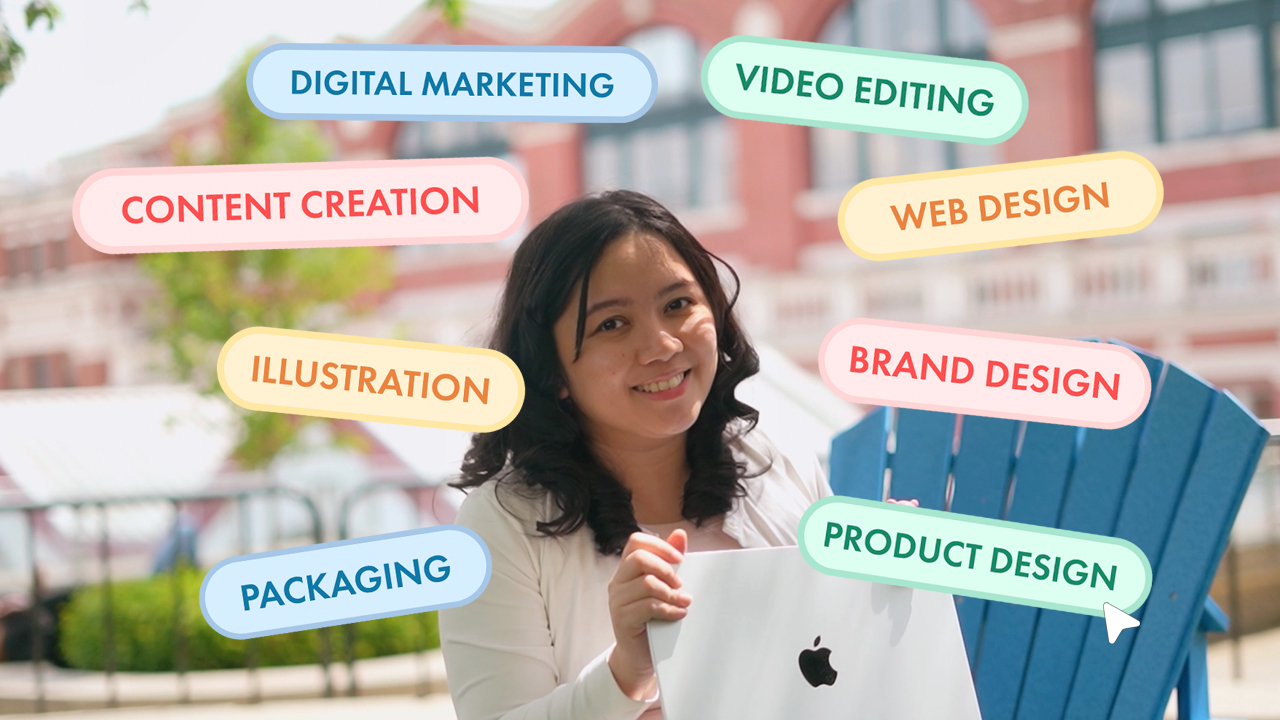
Kisty Mea | holding a laptop, surrounded by labels for the kinds of design she does Watch on YouTube
✦A little more about me
Home

Born and raised in Manila, now living in Vancouver.

Where it started

Built my first website in 2002, then pursued blogging.

Once a teacher

Taught digital art to high schoolers. That was fun!

Off the clock

I love to travel, play online games, and collect trinkets.

Download the PDF

A designer bringing clarity, thoughtfulness, and a spark of delight to every project.

I specialize in brand identity, web and landing page design, presentation decks, and social content, with additional experience in video editing and photography. I help fast-moving creative and marketing teams turn ideas into work people connect with.

Career Overview

  1. Graphic Designer

    Sep 2026 – Present

    A Vancouver-based SaaS company · Full-time · Hybrid

    • Spearheaded the marketing design for a SaaS scheduling platform, covering landing pages, ad creative, social content, email, and more.
  2. Graphic Designer

    Dec 2025 – Jul 2026

    Made in Katana · Full-time · Remote

    • Delivered 92 design projects across recognizable brands in social media, retail, and streaming, including a major music streaming brand, most within a same-day to 2-business-day turnaround.
    • Designed 60+ decks for a global tech app, spanning travel, automotive, health, AI, and more.
    • Produced landing pages and social media assets for a leading retail media network's North American campaigns.
  3. Junior Designer

    Oct 2025 – Jan 2026

    picnic social strategies · Part-time

    • Produced and edited a video for a sustainable procurement company, later featured at the FSD Africa Conference.
    • Created newsletter campaigns for 10+ small business clients, including Capital College, where designs drove a 92.7% quarter-over-quarter increase in click rate.
  4. Relocation & Design Diploma

    May 2023 – Oct 2025

    Vancouver, BC

    • Traveled internationally, then studied marketing at Douglas College before transferring to Vancouver Community College for a Diploma in Digital Media Design.
  5. Project Lead, Creatives

    Jul 2020 – Apr 2023

    Omni Channel Solutions · Full-time · Hybrid

    • Led a team of 5 (2 designers, 3 writers), overseeing final sign-off on 100+ campaigns and projects.
    • Directed creative output for 8+ clients, serving as the team's final design approver.
  6. Digital Arts Instructor

    Jul 2019 – May 2021

    St. Paul College Pasig · Part-time

    • Taught Adobe Creative Suite and Procreate to 60–80 students a year across two elective courses.
    • Built project-based coursework focused on practical creative skills over theory.
  7. Creative Specialist

    Nov 2018 – Jul 2019

    Omni Channel BPO · Full-time · On-site

    • Designed branded assets for an Amazon storefront and supporting product imagery, keeping messaging clear and visuals consistent.

Education & Training

2024 – 2025

Diploma, Digital Media Design
Vancouver Community College

2016

Certificate, Graphic Design
Shillington College

2011 – 2012

Master in Information Technology
James Cook University

Drag things around. Click one to see more.

Briefdeck demo

Best on a phone? Open the demo in a new tab